
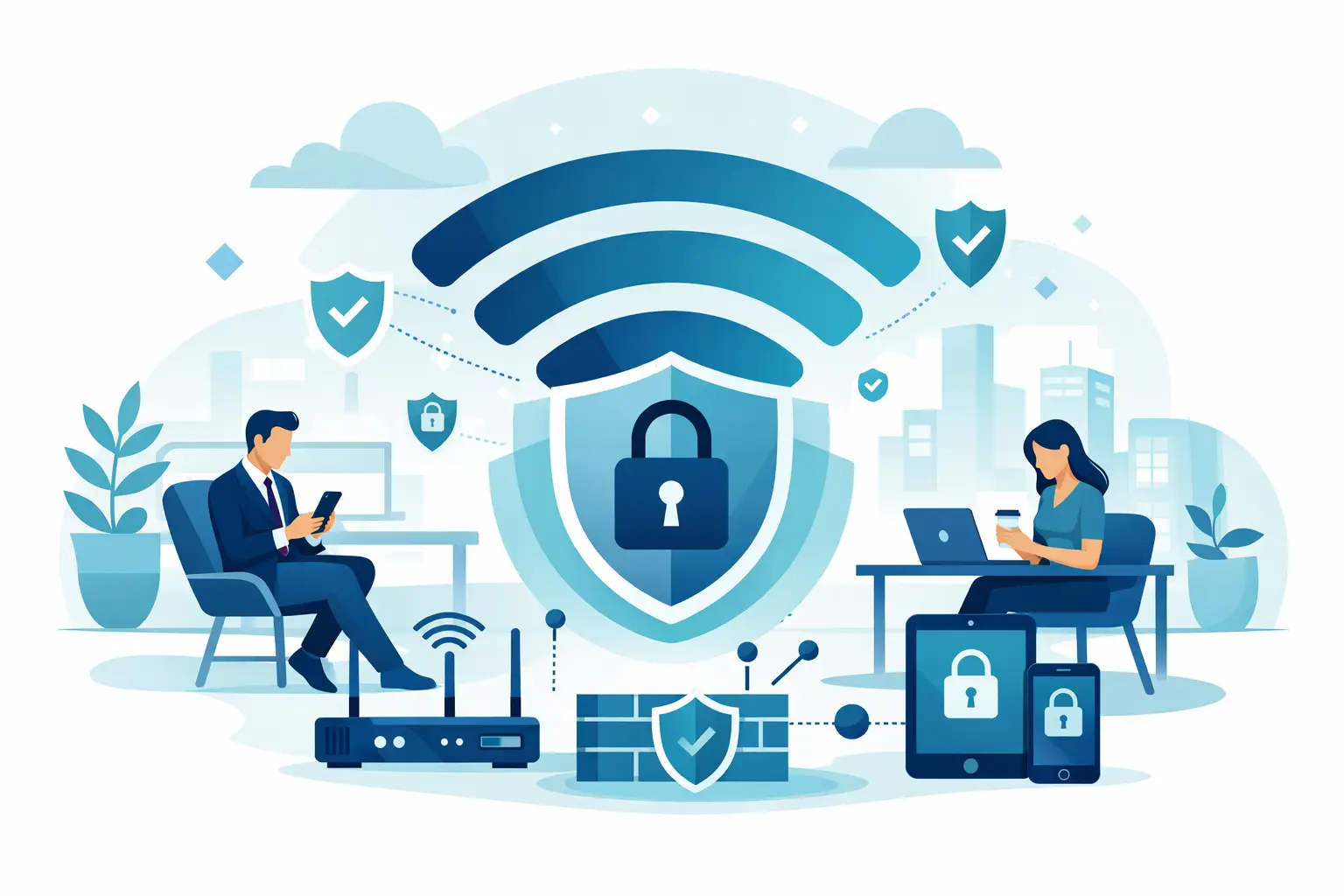
A visitor asks for the WiFi password at reception. It seems like a small courtesy, but the network they join can determine whether a guest has a safe internet connection or an unintended path toward business systems. Secure guest WiFi gives customers, vendors, interviewees, and contractors the access they need without exposing the devices and information your organization depends on.
For a growing business, this is not simply a hospitality feature. It is a network security and continuity decision. A poorly configured guest connection can consume bandwidth needed for cloud applications, create opportunities for lateral movement after a compromised device connects, and leave IT with little visibility into who used the network. The right design keeps guest traffic contained while preserving a reliable experience for everyone on site.
What secure guest WiFi should accomplish
A business guest network has two jobs: provide convenient internet access and prevent guests from reaching internal resources. Those resources may include employee laptops, servers, printers, security cameras, voice systems, point-of-sale terminals, building controls, and network management interfaces.
The separation must be real, not just a different password. If the guest and corporate wireless names ultimately place devices on the same flat network, a visitor may still be able to discover devices or attempt to communicate with them. A separate wireless name is useful for clarity, but the underlying segmentation is what provides protection.
A properly designed guest service also supports predictable performance. Guest traffic should not overwhelm the connection during a busy client event, a training session, or a day when contractors are working onsite. Bandwidth controls, traffic prioritization, and ongoing monitoring help protect the applications that keep the business moving.
Start with true network separation
The foundation of secure guest WiFi is segmentation. Guest devices should be assigned to their own network segment, typically through a dedicated VLAN and wireless network configuration. Firewall policies should allow that segment to reach the internet while blocking access to internal networks and management systems.
This approach is stronger than relying on a shared password or asking employees not to provide network details. It treats every guest device as untrusted by default, which is appropriate because the business does not manage its security posture. A phone can be infected without its owner knowing it. A contractor’s laptop may have outdated software. Segmentation limits the impact of those risks.
Guest isolation should also be enabled. This setting prevents devices connected to the guest network from communicating with one another. It reduces the chance that one visitor can scan, probe, or attack another visitor’s device. In a medical office, professional services firm, dealership, or shared workspace, that extra layer protects privacy as well as the company network.
Some organizations need exceptions. For example, an approved third-party presenter may need access to a conference room display, or a vendor may require a temporary connection to a specific piece of equipment. Those needs should be handled through a controlled, time-limited network path rather than by placing the visitor on the primary employee network.
Separate guest access from IoT and business devices
Guest access is only one part of segmentation. Internet-connected cameras, door access systems, smart TVs, conference room equipment, and other IoT devices deserve their own restricted network as well. These devices are often harder to patch and may not support the same security controls as managed computers.
Keeping guest, corporate, and IoT traffic separate creates clearer boundaries. It also makes troubleshooting faster. When a conference room device is slow or a camera loses connectivity, IT can isolate the issue without disrupting employee or visitor access.
Use access controls that fit your environment
A guest network password posted at the front desk may be sufficient for a small office with occasional visitors, provided the network remains fully segmented and the password is changed regularly. However, a shared password has limitations. It can be passed along indefinitely, offers limited accountability, and becomes difficult to manage when many people come and go.
For offices with frequent guests, a captive portal often provides a better balance of convenience and control. Visitors connect to the guest wireless network, accept terms of use, and receive access through a browser-based page. Depending on the platform, the business can issue unique codes, set expiration times, collect limited contact information when appropriate, or sponsor a guest through an employee.
The right level of authentication depends on the organization’s risk profile, visitor volume, and compliance responsibilities. A law firm, healthcare provider, financial organization, or manufacturer with protected intellectual property may need more detailed logging and tighter access policies than a retail showroom. The objective is not to create unnecessary friction. It is to make the level of control match the level of risk.
Avoid using the same wireless password for employees and guests, even if the office is small. It removes a valuable security boundary and makes password changes more disruptive. Employee access should use stronger authentication methods appropriate to the organization, while guests receive access through a separate policy.
Protect performance without overpromising bandwidth
Security and performance are connected. When guest traffic is unrestricted, large downloads, streaming, cloud backups, or personal device updates can compete with video calls, cloud applications, and voice services. A secure guest WiFi design should include bandwidth limits that keep visitors connected without allowing their activity to affect critical operations.
There is no universal bandwidth cap. A waiting room with light browsing needs less capacity than a training center where dozens of attendees use web-based course materials. Start by identifying the number of expected devices, the quality of your internet connection, and the applications employees must keep running. Then set reasonable per-device limits and adjust based on actual usage.
Quality of service policies can prioritize business-critical traffic, such as voice, video conferencing, and approved cloud platforms. This is especially valuable for organizations that rely on internet-based phone systems. If a guest begins a high-bandwidth download, the network should not allow that activity to degrade customer calls.
Capacity planning matters, too. Strong security controls cannot compensate for insufficient wireless coverage or an undersized internet circuit. Access point placement, building materials, density in meeting rooms, and internet failover requirements all affect the experience. A reliable guest network begins with an accurate view of how the space is used.
Manage the wireless infrastructure like a business system
Guest networks are often installed once and then forgotten. That creates avoidable exposure. Wireless access points, firewalls, switches, and cloud management platforms need regular firmware updates, configuration reviews, and monitoring. Known vulnerabilities in network equipment can provide attackers with a foothold regardless of how well the guest password is managed.
Visibility is equally valuable. Network logs can help identify unusual activity, repeated connection failures, traffic spikes, or attempts to reach blocked internal addresses. For many small and mid-sized businesses, the practical answer is not to have staff watch dashboards all day. It is to have a managed IT partner monitor the environment, respond to alerts, and maintain documented configurations.
Document who can change wireless settings and firewall rules. An informal change made to help a visitor connect can accidentally weaken segmentation for everyone. A clear change process protects uptime and gives the organization a record of how its network is configured.
Review the guest network after business changes
Network requirements change when an organization moves offices, adds employees, opens a new location, adopts cloud voice, deploys cameras, or begins hosting more onsite events. Each change can affect wireless capacity and security boundaries.
A periodic review should confirm that guest traffic remains isolated, old access codes are removed, firmware is current, and bandwidth policies still support business operations. It should also verify that no internal systems have been added to the guest segment for convenience. Temporary workarounds have a habit of becoming permanent risks.
Common mistakes that weaken guest WiFi
The most common issue is providing visitors the employee network password because it is easy. It is also common to create a guest wireless name without configuring firewall rules that block internal access. Both choices undermine the purpose of a guest network.
Other problems include leaving default network equipment credentials in place, failing to update access point firmware, allowing guest devices to communicate with each other, and using wireless hardware that cannot support modern security and management features. Older equipment may still broadcast a signal, but that does not mean it can meet current business requirements.
Another mistake is assuming guest WiFi is only an IT concern. Reception teams, facilities staff, event coordinators, and office managers often distribute access information. They need a simple process that tells them which network to offer, how long access should last, and who to contact when a guest has trouble connecting.
Make visitor access part of a larger security plan
Secure guest WiFi works best when it is part of a coordinated approach to connectivity, cybersecurity, and physical security. The firewall, wireless infrastructure, internet service, endpoint protection, and identity controls should support the same goal: keep business operations available while limiting unnecessary access.
For organizations without a large internal IT team, Plasma Networks can help assess the current wireless environment, design appropriate segmentation, and provide ongoing management across the network stack. The value is not simply a better wireless signal. It is knowing that visitor access is not creating a hidden weakness in the systems your team relies on.
The next time someone requests the WiFi password, the answer should be easy to provide – and easy to trust. A well-designed guest network lets your business be welcoming without treating convenience as a substitute for protection.


