
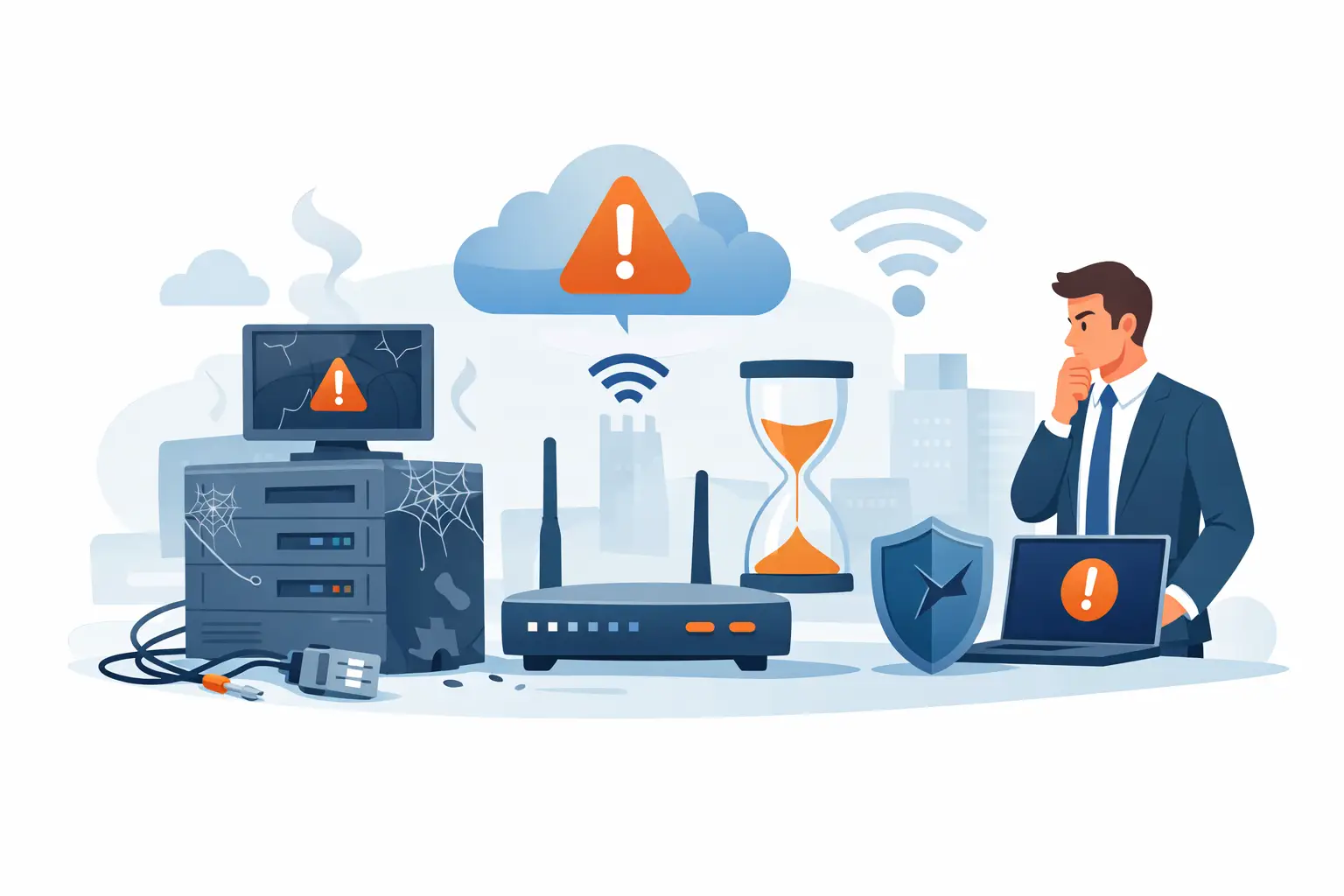
If your team has started treating slow systems, dropped calls, and random connectivity issues as normal, that is usually the first real warning. Many of the top signs your network is outdated do not show up as one major outage. They show up as small disruptions that chip away at productivity, create security risk, and make growth harder than it should be.
For small and mid-sized businesses, an aging network rarely stays a minor inconvenience for long. It affects how employees work, how customers experience your business, and how confidently leadership can plan for expansion. The question is not just whether the network still functions. It is whether it can support the business you are running now and the one you are trying to build next.
Top signs your network is outdated and costing you time
One of the clearest signs is persistent slowness. If cloud applications lag, file transfers take too long, or employees complain that video meetings freeze during peak hours, the issue may not be your internet provider alone. Internal switches, cabling, firewall capacity, wireless access points, and network design all affect performance. When the network was built for a smaller team or a different application mix, it can start failing under modern demand.
Another warning sign is that problems show up most when the business is busiest. A network that works fine at 8:00 a.m. but struggles by mid-morning is often a network with capacity limitations. That matters because slowdowns during high-use periods hit revenue, customer service, and staff efficiency at the exact time performance matters most.
Frequent downtime is another issue that should not be normalized. If users regularly lose access to shared systems, printers, cloud platforms, or phones, there is likely a deeper infrastructure problem. In some cases, the hardware is simply old. In others, the environment has grown in a patchwork way over time, leaving weak points between devices, vendors, and configurations.
Performance issues usually point to bigger gaps
A slow network is frustrating, but the bigger concern is what it says about the environment behind it. Outdated infrastructure often lacks the speed, redundancy, and visibility needed to support current business operations. That can include aging switches that no longer deliver the throughput your systems require, wireless coverage designed before hybrid work and mobile devices became standard, or firewall appliances that are undersized for current traffic and security inspection needs.
The trade-off is that not every performance complaint means a full overhaul is necessary. Sometimes a targeted upgrade solves the problem. A business may only need better wireless design, refreshed switching, or bandwidth planning. But if your team is constantly applying workarounds instead of fixing root causes, the network is probably behind where it needs to be.
Your Wi-Fi has become a daily complaint
When employees move to conference rooms to find a stronger signal, disconnect during calls, or avoid certain parts of the office because the wireless is unreliable, that is not a minor annoyance. It is a sign the network is not keeping up with how people work. Modern business environments depend on stable wireless connectivity for laptops, phones, collaboration platforms, smart devices, and guest access.
An outdated wireless setup may have too few access points, poor placement, old standards, or limited ability to manage interference and traffic loads. In a growing office, yesterday’s acceptable Wi-Fi becomes today’s bottleneck very quickly.
Voice and video quality keep breaking down
Business communications depend on network quality. If your VoIP phones sound choppy or video meetings regularly stutter, the network may not be prioritizing traffic correctly. Latency, jitter, and congestion often point to infrastructure that was never designed for heavy real-time communications.
This is one area where businesses sometimes underestimate the business impact. Poor call quality affects customer conversations, sales discussions, and internal coordination. It also creates a credibility issue when your team cannot communicate clearly in high-stakes moments.
Security is one of the top signs your network is outdated
Aging networks are not just slower. They are often easier to compromise. Older firewalls, unsupported firmware, flat network design, and limited monitoring create openings that attackers know how to exploit. If your environment cannot support current security controls, the problem is no longer only operational. It becomes a business risk.
One common red flag is hardware or software that has reached end of life or is close to it. Once vendors stop releasing patches and updates, known vulnerabilities remain exposed. Another is a network that lacks proper segmentation. If everything connects on the same broad internal environment, one compromised device can create a much larger incident than it should.
There is also a practical issue for leadership teams. Security requirements keep rising, whether they come from cyber insurance, industry regulations, customer expectations, or basic due diligence. An outdated network may not support the logging, access controls, redundancy, or secure remote connectivity your organization now needs.
You cannot see what is happening on the network
If your team has limited insight into traffic patterns, device health, user access, or suspicious behavior, the network is harder to protect and harder to manage. Visibility matters because problems rarely announce themselves clearly. They show up as intermittent slowness, failed connections, unusual login activity, or devices quietly falling behind on updates.
A modern network should make it easier to monitor performance and respond to issues early. If troubleshooting still depends on guesswork, outdated tools, or waiting for users to complain, that is a meaningful warning sign.
Growth has outpaced the original design
Many businesses do not notice network limitations until they grow. A setup that worked well for 15 employees can struggle at 40. A single office may expand into multiple locations. Cloud adoption increases. Security requirements tighten. More devices connect. More vendors need access. The network becomes responsible for far more than it was originally built to handle.
That is why one of the top signs your network is outdated is simple mismatch. Your business has evolved, but the infrastructure underneath it has not. You may see this when onboarding new staff takes too long, adding a location feels overly complex, or every change requires a workaround because the environment was never standardized.
This is especially common in companies that added technology in phases. A firewall here, another switch there, a separate wireless vendor, a voice platform layered on top, and remote access added later. Each decision made sense at the time, but the result can be a fragmented network that is difficult to scale and expensive to support.
Support issues keep bouncing between vendors
When no single partner owns the full picture, network problems take longer to solve. The internet provider blames your firewall. The phone vendor blames bandwidth. The software vendor blames Wi-Fi. Internal staff are left coordinating multiple parties while downtime continues.
That kind of finger-pointing is often a symptom of an outdated and fragmented environment. Even if individual components still function, the overall architecture may no longer support reliable operations. Businesses generally perform better when the network is treated as a connected system, not a collection of isolated tools.
Your refresh strategy is reactive, not planned
If upgrades only happen after failure, the network is likely already behind. Hardware has a lifecycle. So do security platforms, wireless standards, and business connectivity needs. Waiting until equipment fails may feel cost-conscious in the short term, but it usually creates higher risk, emergency spending, and avoidable disruption.
A more reliable approach is to evaluate the network against business goals, not just age. In some environments, a five-year-old device is still perfectly suitable. In others, traffic demands, application changes, and compliance requirements mean a shorter replacement cycle makes more sense. It depends on what the network is expected to support.
That is where a strategic IT partner can make a measurable difference. Instead of treating every issue as a one-off fix, businesses can look at performance, security, wireless coverage, voice quality, remote access, and scalability as part of one operating environment. For organizations that need a clearer path forward, Plasma Networks helps align infrastructure decisions with uptime, protection, and long-term growth.
If your network has become something employees work around instead of rely on, it is time to take a closer look. The right network should support your people quietly, protect your operations consistently, and give your business room to grow without added friction.


