
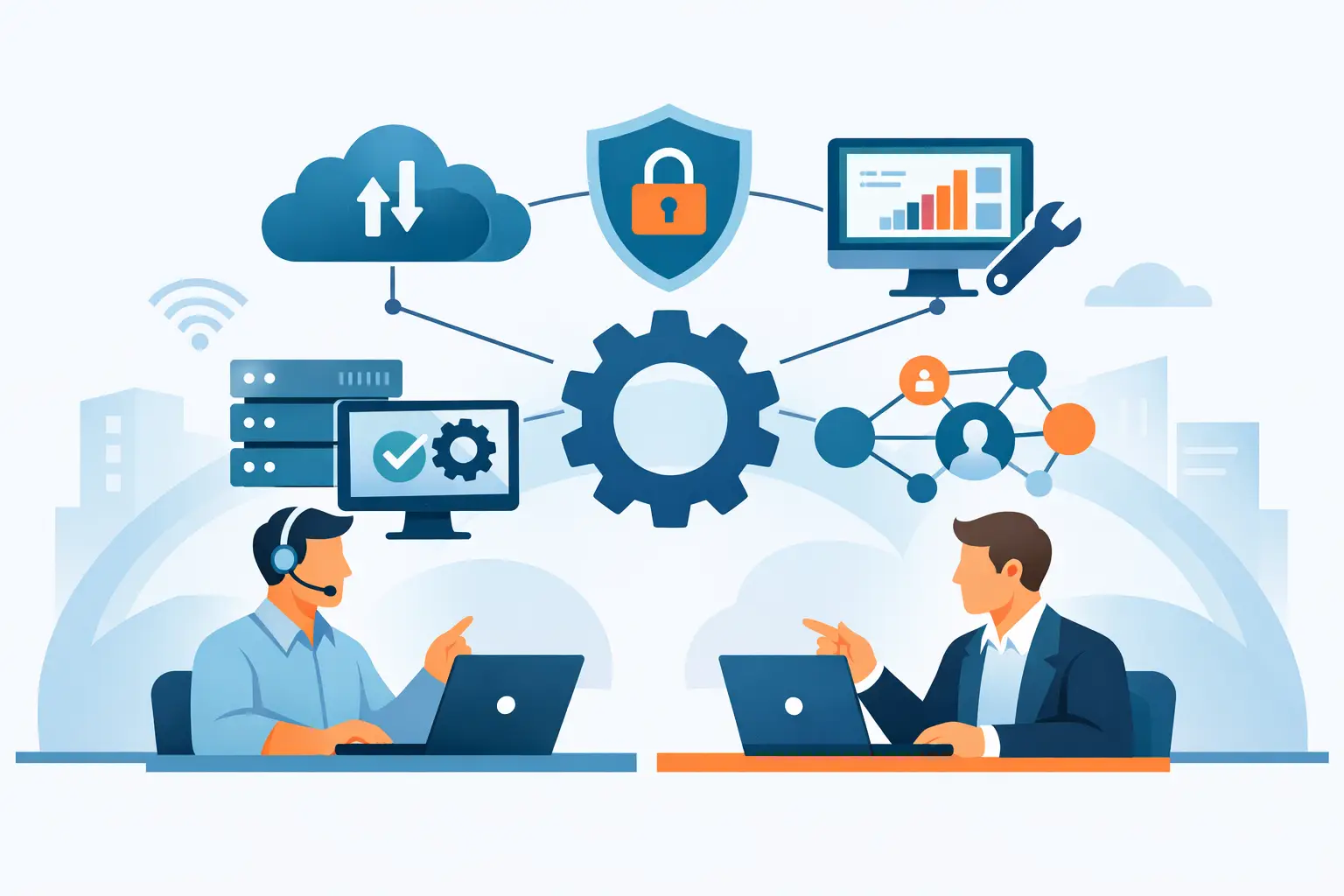
If your internal IT team is constantly choosing between fixing today’s problems and planning for tomorrow’s growth, co-managed support usually enters the conversation for a reason. The question is not just what does co managed IT include, but which responsibilities should stay in-house and which are better handled by an outside partner built for scale, security, and uptime.
Co-managed IT is a shared-responsibility model. Your business keeps internal IT leadership, institutional knowledge, and day-to-day control where it matters most. An external provider adds specialized expertise, additional staffing capacity, better tools, and coverage across areas that are hard to maintain with a lean internal team.
That sounds straightforward, but the actual scope can vary widely. Some organizations need help desk overflow and endpoint management. Others need cybersecurity operations, cloud administration, backup oversight, vendor coordination, and after-hours support. The value comes from building the right split of responsibilities instead of forcing a one-size-fits-all managed services package.
What does co managed IT include in practice?
In most environments, co-managed IT includes a mix of operational support, strategic guidance, and technical administration. The outside provider works alongside your internal team rather than replacing it.
A common starting point is user support. If your in-house team is spending too much time resetting passwords, troubleshooting laptops, and chasing printer issues, a co-managed partner can absorb part or all of the service desk workload. That frees internal IT staff to focus on business systems, projects, process improvement, and department-specific needs.
Infrastructure management is another core area. This often includes monitoring servers, workstations, firewalls, wireless networks, switches, and cloud resources. The goal is to identify performance issues early, reduce downtime, and keep systems patched and stable. Many businesses reach co-managed IT not because their internal team lacks capability, but because there are simply too many systems to monitor consistently.
Security support is also central to many co-managed agreements. That may include endpoint protection, email security, vulnerability management, multifactor authentication support, log review, user awareness training, and incident response planning. If your organization faces compliance pressure or handles sensitive customer data, security often becomes the main reason to expand beyond internal-only IT.
The service categories most businesses expect
The best way to understand what co-managed IT includes is to look at the service layers most often assigned to an outside partner.
Help desk and end-user support
This is often the fastest source of relief. A co-managed provider can take Tier 1 and Tier 2 issues, support remote users, document recurring problems, and give employees a clear support path. Your internal team still stays involved where local knowledge or elevated permissions are required.
For some businesses, this is full shared help desk coverage during business hours. For others, it means overflow support during peak periods, vacations, or staff shortages. The right model depends on your ticket volume and internal staffing depth.
Monitoring, maintenance, and patching
Routine maintenance is easy to deprioritize when the day gets busy, but it is one of the biggest factors behind reliability. Co-managed support often includes 24/7 monitoring, alerting, patch deployment, system updates, and basic preventive maintenance across endpoints, servers, and network devices.
This work is not glamorous, but it protects uptime. It also creates accountability, because issues are tracked, documented, and escalated before they become business interruptions.
Cybersecurity management
Security is where many internal teams need reinforcement. A co-managed partner may provide endpoint detection, firewall policy support, email threat filtering, backup validation, security baselining, and access control reviews. Some providers also support compliance preparation, risk assessments, and incident containment.
This is also where trade-offs matter. Not every business needs a full security operations stack, but most need more than antivirus and a password policy. A good co-managed approach right-sizes protection based on your risk profile, industry requirements, and internal capabilities.
Microsoft 365, cloud, and identity administration
Modern IT support usually stretches well beyond on-premises systems. Co-managed IT often includes administration of Microsoft 365, Azure environments, file-sharing platforms, email policies, user provisioning, and license management.
This becomes especially valuable when onboarding and offboarding need to happen quickly and correctly. User identity, permissions, and cloud access are tied directly to both productivity and security.
Backup, disaster recovery, and business continuity
Backups are only useful if they are monitored, tested, and aligned with business priorities. Co-managed IT commonly includes backup oversight, restore testing, disaster recovery planning, and recovery objective alignment.
Businesses with lean internal teams often know they need continuity planning but lack the time to maintain it. A co-managed provider can help define recovery expectations and keep those protections current as systems change.
Vendor coordination and escalation support
Internal IT teams often lose hours dealing with internet providers, software vendors, phone systems, copier companies, and hardware manufacturers. Co-managed IT can include vendor management and technical escalation handling, which reduces delays and gives your team a single support ally when issues cross multiple systems.
For growing organizations, this becomes more valuable than it first appears. Technology problems rarely stay in one lane. When the internet, firewall, cloud apps, and voice platform are all connected, someone needs to own the coordination.
What stays with your internal IT team?
One of the biggest misconceptions is that co-managed IT hands control to an outside company. In a strong partnership, your internal team keeps ownership of the areas where business familiarity matters most.
That often includes application ownership, executive support, internal process improvement, site-specific decision-making, budget planning, and IT strategy tied directly to company operations. Internal teams understand the personalities, workflows, and priorities that shape how technology gets used across departments.
The outside provider adds capacity and specialization. They may maintain tools, provide after-hours support, strengthen cybersecurity, or manage routine operations at scale. Your team remains close to the business, while the provider extends what is possible.
What does co managed IT include beyond support tickets?
The strongest co-managed relationships go beyond issue resolution. They include planning, standards, documentation, and accountability.
That means regular reporting, environment reviews, lifecycle planning, and recommendations for reducing risk or improving performance. It may also include strategic input on cloud migrations, office moves, network upgrades, wireless redesigns, physical security integration, or communications systems.
This matters because reactive support alone does not solve systemic problems. If the same failures keep appearing, the model should create a path to fix root causes, not just close tickets faster.
How to tell what your business actually needs
Not every company needs the same co-managed stack. A 50-user office with one capable IT manager has different needs than a multi-site manufacturer, healthcare group, or logistics business with uptime-sensitive operations.
A practical place to start is by looking at strain points. If your team lacks after-hours coverage, security depth, cloud expertise, or time for maintenance, those are natural areas to share with a provider. If your internal team is highly strategic but buried in support requests, help desk and endpoint management may deliver the quickest return.
It also helps to look at risk. Businesses with compliance obligations, remote workforces, multiple locations, or frequent vendor coordination usually benefit from broader co-managed coverage. The more operationally complex the environment, the more valuable defined roles and outside support become.
The difference between co-managed IT and fully managed IT
Fully managed IT typically means the provider takes primary ownership of support, maintenance, administration, and strategic guidance. Co-managed IT is more collaborative. Your business already has internal IT resources, but those resources need reinforcement.
That distinction matters. Co-managed services should not duplicate what your internal staff already does well. They should close gaps, increase resilience, and reduce pressure on the team you already trust.
For many growing companies, that is the smarter path. It protects internal knowledge while giving the business access to stronger tools, broader expertise, and more dependable coverage than a small team can usually provide on its own.
The right co-managed arrangement should feel less like outsourcing and more like adding depth where your operation needs it most. When responsibilities are clear and support is aligned to business priorities, your IT team gets room to lead, your users get faster help, and your organization gains a more stable foundation for growth. That is where co-managed IT starts to pay off.


