
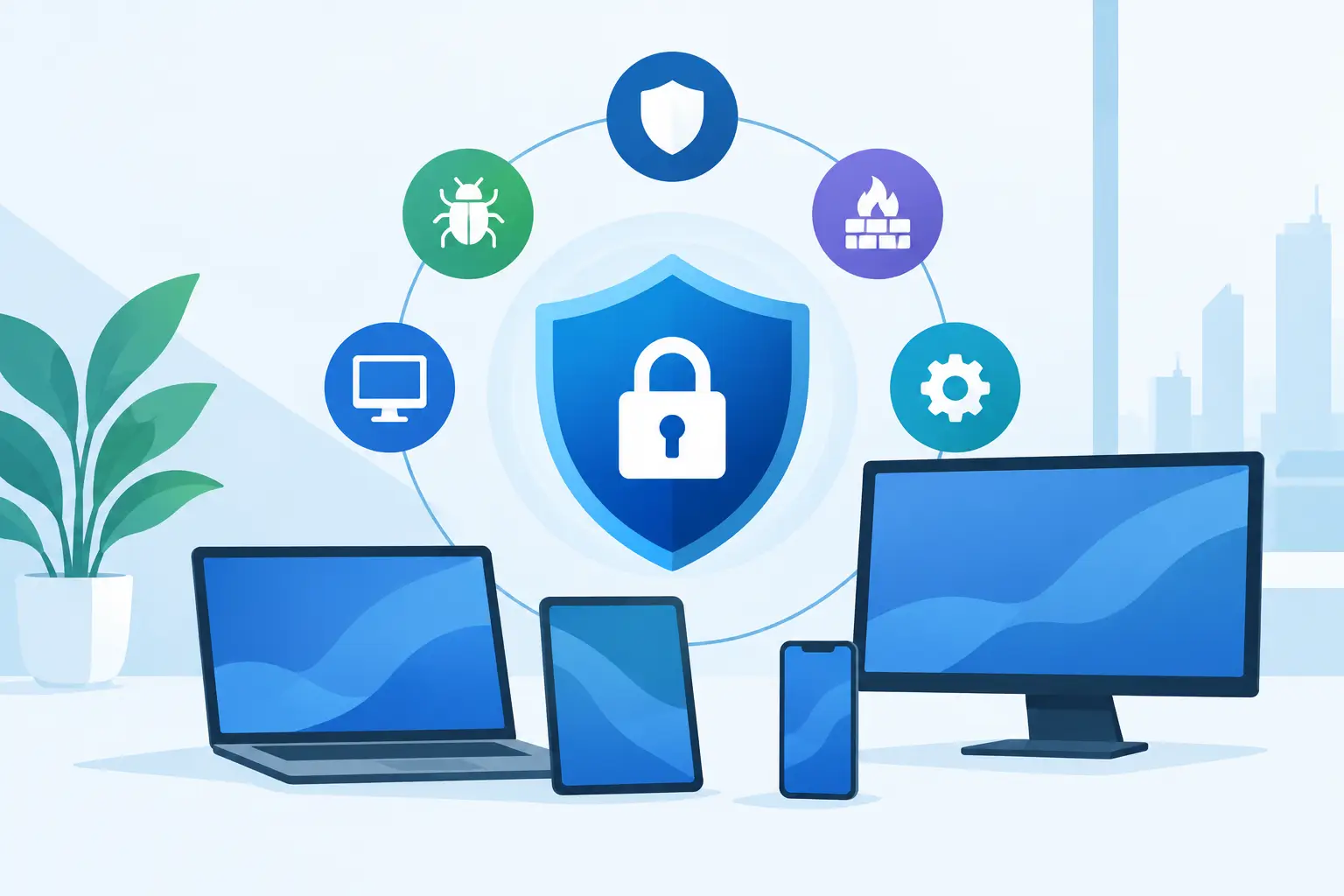
A single compromised laptop can become an operational problem far beyond one employee. It can expose customer information, interrupt access to shared systems, encrypt files, or provide an attacker a path into the network. The best endpoint protection features help businesses prevent that chain of events while giving IT teams the visibility and control to respond before downtime spreads.
For growing organizations, endpoint protection is not simply antivirus software installed on workstations. It is a business continuity control that protects the devices employees use every day: laptops, desktops, servers, mobile devices, and sometimes specialized equipment. The right platform should reduce risk without creating an unmanageable burden for internal staff.
Why endpoint protection needs more than antivirus
Traditional antivirus still has a role. It identifies known malicious files and blocks common threats based on signatures. The problem is that modern attacks do not always look like known malware. Attackers use stolen credentials, trusted administration tools, malicious scripts, and newly modified ransomware to bypass basic detection.
Endpoint detection and response, often called EDR, extends protection beyond known file signatures. It watches activity on the device, looking for behaviors that indicate an attack. For example, a security tool may flag a process attempting to encrypt hundreds of files, disable backups, or launch an unfamiliar command-line script from an email attachment.
This distinction matters when every minute affects recovery costs. A protection product that merely logs suspicious behavior leaves the business exposed if nobody sees the alert until the next morning. Effective endpoint security should detect, contain, investigate, and support recovery in a coordinated way.
Best endpoint protection features to prioritize
The best platform is not always the one with the longest feature list. It is the one that covers the threats your business faces, works across your environment, and can be monitored consistently. These capabilities deserve close attention.
Behavioral threat detection
Behavior-based detection identifies actions that are unusual or dangerous, rather than relying only on known malware signatures. It can recognize patterns associated with ransomware, credential theft, persistence attempts, and suspicious script activity.
This feature is particularly valuable against new or modified threats that have not yet been added to traditional antivirus databases. It also helps identify attacks that use legitimate tools in harmful ways. A remote management utility, for instance, may be appropriate for IT support but alarming if launched by an unauthorized account at 2:00 a.m.
Behavioral detection can produce false positives, especially in organizations with specialized software or internal development work. The answer is not to turn it off. It is to tune policies carefully and have qualified personnel review detections so that security does not become an obstacle to productive work.
Endpoint detection and response
EDR provides detailed visibility into activity occurring on an endpoint. It records process activity, network connections, files, user behavior, and other evidence that can help explain what happened during a security event.
When an alert appears, responders should be able to trace the activity back to its source. Did a user open a phishing attachment? Did an attacker log in through a compromised account? Did the threat reach other systems? Without this context, teams often spend valuable time guessing at the scope of an incident.
Look for EDR tools that support rapid investigation and clear incident timelines. A feature is only useful if the people responsible for security can interpret the alert and act on it quickly.
Device isolation and threat containment
One of the most practical endpoint protection capabilities is the ability to isolate a device from the network without shutting it down completely. If a laptop appears compromised, isolation can stop it from reaching file shares, cloud resources, and other workstations while preserving access for investigation and remediation.
Containment limits the blast radius of an incident. Rather than taking broad systems offline, IT can quarantine the affected endpoint, validate the threat, remove malicious components, and return the device to service when it is safe.
This feature is especially useful for businesses with shared drives, remote employees, and interconnected locations. A fast containment decision can be the difference between a single-device event and a company-wide recovery effort.
Ransomware protection and recovery controls
Ransomware defenses should identify suspicious encryption behavior and stop it before large numbers of files are affected. Some platforms also provide file rollback or remediation features, although those capabilities vary by operating system and product configuration.
Ransomware protection should not be treated as a replacement for backups. Endpoint controls reduce the chance of an attack succeeding, while protected and tested backups provide a recovery path if defenses fail. Businesses need both, along with a documented process for deciding who isolates devices, communicates with staff, and coordinates restoration.
Automated response and remediation
Security teams cannot manually investigate every low-level alert. Automated response allows the platform to take predefined actions when it detects a confirmed or high-confidence threat. Those actions may include killing a malicious process, quarantining a file, blocking a harmful connection, or isolating the endpoint.
Automation is most effective when paired with sensible policy design. Aggressive settings may interrupt legitimate work, while overly cautious settings may delay containment. Organizations should define which events justify automatic isolation and which require human review.
For small and mid-sized businesses, managed monitoring often makes this capability far more valuable. Automation handles immediate protective actions, while experienced analysts validate the event, investigate the cause, and recommend next steps.
Centralized visibility and policy management
A security platform should provide a single view of endpoint health across office, remote, and mobile work environments. IT teams need to know which devices are protected, which are missing updates, where alerts are occurring, and whether security policies are being applied consistently.
Central management also makes it easier to enforce standards such as disk encryption, firewall settings, USB device controls, and application restrictions. This matters when businesses are growing, adding locations, or supporting hybrid teams. Security policies should follow the employee and device, not depend on whether someone is connected to the office network.
A clear dashboard does not eliminate the need for expertise, but it gives decision-makers a more accurate view of their risk. It also supports better conversations about investments, compliance requirements, and recurring issues that need attention.
Vulnerability and patch management integration
Attackers frequently exploit known vulnerabilities for which patches already exist. Endpoint protection is stronger when it can identify outdated software, missing operating system updates, and devices that fall outside policy.
Some platforms include native vulnerability management, while others integrate with separate patching tools. Either approach can work. What matters is accountability: someone must review the findings, prioritize the risks, test updates where necessary, and verify that patches were successfully installed.
Patching requires balance. Applying updates immediately may be appropriate for a critical browser or security flaw, but line-of-business systems may require testing before changes reach every device. A managed IT partner can help create a patching process that protects the business without disrupting critical operations.
Features are only effective when coverage is complete
A strong endpoint security product cannot protect devices it does not manage. Shadow IT, personal devices, aging computers, and neglected remote laptops can all create gaps. Before selecting a solution, create an accurate inventory of endpoints, operating systems, users, and business-critical applications.
Coverage should include more than employee laptops. Servers, executive devices, remote workstations, and devices used by accounting, operations, or field teams may carry different levels of risk. In some environments, specialized systems need a separate protection strategy because their software or operating system cannot support a standard endpoint agent.
This is also where a unified technology partner can reduce complexity. Plasma Networks helps businesses connect endpoint security to the broader controls that support it, including identity security, network protection, backup, patching, and incident response. The goal is not another isolated tool. It is a security program that supports uptime and informed decision-making.
How to evaluate endpoint protection for your business
Start with the business impact of a compromised device. Consider where sensitive data resides, which systems employees access, how quickly operations would be affected, and whether your organization has compliance obligations. A professional services firm handling client records may prioritize data controls and audit visibility, while a manufacturer may focus heavily on operational continuity and segmentation around production systems.
Then examine the operational model behind the software. Who watches alerts after business hours? Who can isolate a device? Who investigates whether an event is malicious or merely unusual? Who confirms that a cleaned device is safe to reconnect? These questions often matter more than a vendor’s feature checklist.
Finally, test whether the platform fits the environment you actually operate. It should support your endpoints, integrate with existing identity and management tools, provide understandable reporting, and avoid excessive performance impact. A trial or controlled deployment can reveal policy conflicts and device compatibility issues before a full rollout.
The right endpoint protection strategy gives your organization more than another alert console. It gives your team a clearer path to stopping threats, limiting downtime, and keeping the business moving when an endpoint does not behave as it should.


