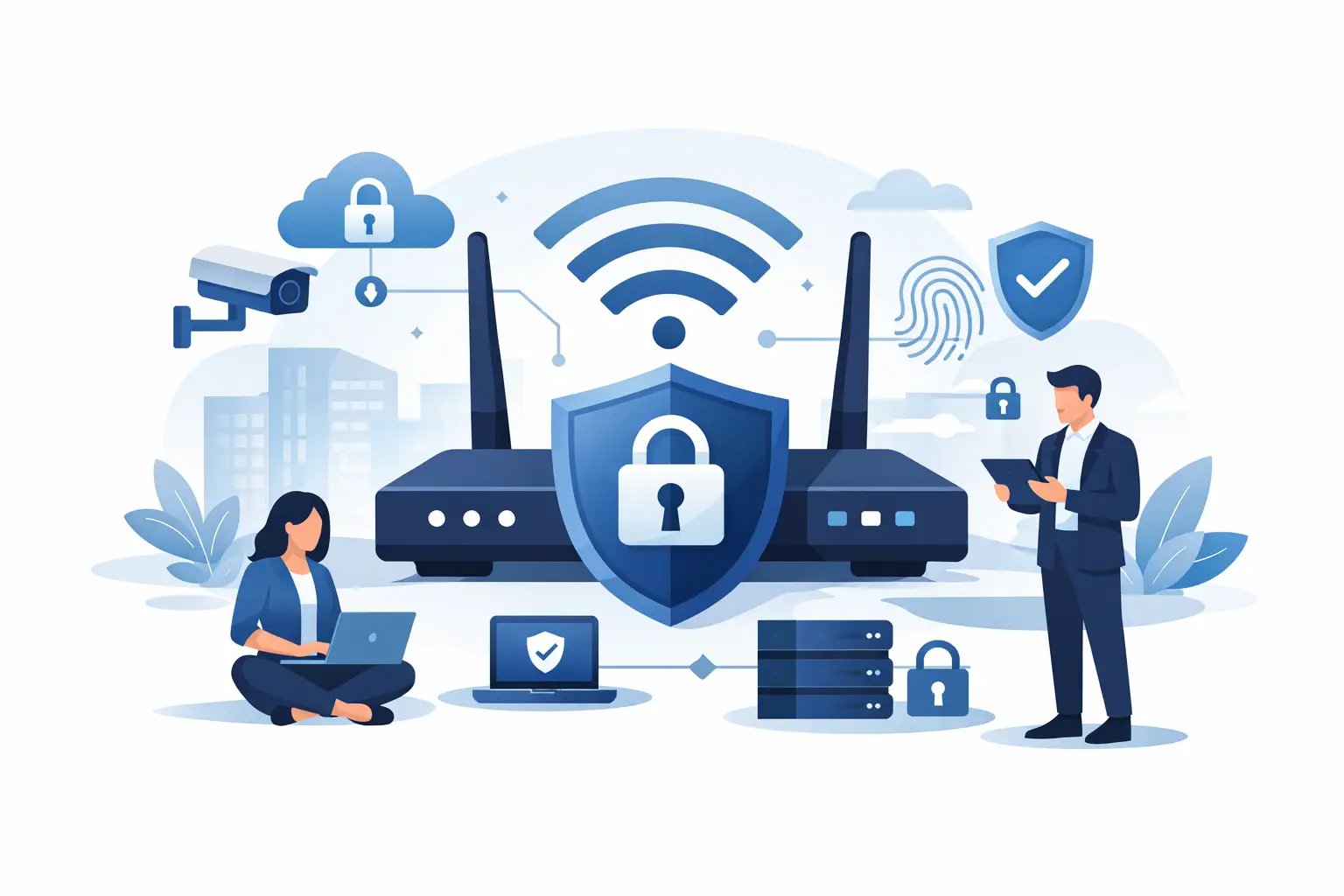
A weak WiFi setup can quietly become one of the easiest ways into your business. It does not take a headline-making cyberattack to cause damage. One compromised password, one poorly segmented guest network, or one outdated access point can expose sensitive data, disrupt operations, and create expensive downtime. If you are asking how to secure business WiFi, the right answer is not a single setting. It is a layered approach that protects access, devices, users, and the network behind them.
For most small and midsize businesses, WiFi security problems start with convenience. The network password gets shared too widely. Guest devices end up on the same network as company systems. Old hardware stays in place because it still works. Over time, those small compromises create real risk. A secure wireless environment should support productivity without giving up control.
How to secure business WiFi starts with access control
The first priority is deciding who should be able to connect and what they should be able to reach after they connect. Those are two different questions, and treating them separately makes the network much safer.
Start with strong encryption. If your wireless network is still using WPA2 with a basic shared password across the whole business, that may be functional, but it is not ideal. WPA3 is the better standard where supported, especially for newer business-grade hardware. If WPA3 is not practical across your full environment because of older devices, use the strongest option your infrastructure supports and build additional controls around it.
A shared WiFi password is often the weakest link. When everyone uses the same credentials, access becomes difficult to track and harder to revoke. An employee leaves, a contractor finishes a project, or a vendor no longer needs connectivity, and the password often stays unchanged because resetting every device is disruptive. That is why many businesses benefit from moving to individual authentication through a centralized identity platform or RADIUS-based access control. It creates accountability and gives IT a cleaner way to grant and remove access.
This is also where multi-factor authentication can matter. It will not apply to every wireless deployment, but for administrative access to networking equipment and cloud-managed wireless platforms, MFA should be standard. If an attacker gets into the wireless controller or firewall console, they do not need to crack the WiFi password to create major problems.
Separate guest traffic from business operations
One of the most common mistakes in business wireless design is putting guest users too close to internal resources. A guest network should be genuinely separate, not just labeled differently. If visitors, personal devices, and employee laptops all share the same path to the same systems, the network is carrying unnecessary risk.
A proper guest network should be isolated from your production environment. Guests should have internet access, but they should not be able to see printers, file servers, workstations, security cameras, or line-of-business applications. This separation is usually handled with VLANs, firewall rules, and wireless network segmentation. The exact method depends on your equipment, but the principle stays the same: public access should never provide a route into private business systems.
There is a trade-off here. More segmentation can add complexity, especially for organizations with a mix of office users, warehouse devices, conference room systems, and IoT equipment. But that complexity is usually worth managing because it limits the damage if one device is compromised. A network that is easy to use but impossible to control tends to become expensive later.
Protect the devices connected to your wireless network
Even a well-configured wireless network can be exposed by unmanaged devices. Security is not only about the access points. It also depends on the laptops, phones, printers, cameras, tablets, and specialty devices that connect to them.
This is where endpoint management becomes important. Company-owned devices should follow security standards for operating system updates, antivirus or endpoint detection, disk encryption, and local firewall settings. If an employee device is outdated or infected, strong wireless encryption alone will not protect the business.
Bring-your-own-device policies need attention as well. In some businesses, allowing personal phones and tablets on the corporate network is normal. In others, it creates too much uncertainty. There is no universal rule, but there should be a clear policy. If personal devices are allowed, place them on a controlled network with limited access. If they are not allowed, enforce that policy with network access controls rather than relying on verbal instructions.
Printers, cameras, smart TVs, and other connected devices deserve special attention because they are often overlooked. They may ship with default passwords, receive infrequent updates, and sit on the network for years. These devices should be inventoried, hardened, and placed on separate segments whenever possible.
Keep wireless hardware and settings current
Knowing how to secure business WiFi also means knowing when the hardware itself is the problem. Consumer-grade routers and aging access points often lack the security features, visibility, and patching support that business environments need. They may still provide a signal, but that does not mean they are protecting the business.
Business-grade wireless infrastructure gives you better control over firmware updates, user policies, traffic segmentation, rogue access point detection, and centralized management. Those features matter because wireless threats are rarely static. New vulnerabilities are discovered, new devices are introduced, and the network changes as the business grows.
Firmware updates should be part of regular maintenance, not something done only when an outage forces attention. The same goes for administrative settings. Default usernames should be changed. Remote management should be restricted. Management interfaces should never be exposed more broadly than necessary. Logging should be enabled so suspicious behavior can be reviewed instead of guessed at after an incident.
Coverage design matters too. If WiFi signals extend well beyond your office or facility, you are increasing exposure unnecessarily. Proper placement and power settings can reduce leakage outside the areas where connectivity is actually needed. This is not about making the network invisible. It is about avoiding a setup that gives attackers a stronger signal in the parking lot than your staff gets in the conference room.
Monitor for threats instead of assuming everything is fine
A surprising number of businesses treat WiFi like a set-and-forget utility. Once it is installed and devices connect, it gets little attention unless users complain. That approach creates blind spots.
Wireless environments should be monitored for unusual login attempts, unauthorized devices, rogue access points, failed authentications, and bandwidth spikes that may point to abuse or compromise. Good monitoring helps teams spot problems early, before they turn into outages or security incidents.
This does not always require an enterprise security operations center. For many organizations, it starts with having the right tools and a clear process for reviewing alerts. The key is accountability. Someone needs to own the network, review changes, and respond when something looks off.
It is also worth testing your environment periodically. A wireless assessment can reveal weak coverage, poor segmentation, outdated encryption, or device sprawl that has built up over time. In many cases, the biggest issues are not hidden attacks. They are configuration drift and old decisions that no longer match current business needs.
Align WiFi security with the rest of your IT environment
Wireless security works best when it is part of a broader security strategy. The firewall, endpoint protection, identity management, email security, backup planning, and user policies all affect how much risk your WiFi really carries. If one area is weak, attackers will usually find that easier route.
That is why a business should think beyond the password posted in the break room. The more useful question is whether wireless access is aligned with business continuity. Can you quickly remove access for a terminated employee? Can you separate departments or device types when needed? Can you see what is connected and investigate suspicious behavior? Can your network grow without becoming harder to secure?
For organizations with limited internal IT resources, these questions are often difficult to answer consistently. A managed approach can help close those gaps by bringing wireless management, security oversight, infrastructure planning, and support under one accountable team. For companies that rely on uptime and cannot afford fragmented support, that level of coordination matters.
At Plasma Networks, we see this often: businesses do not need more gadgets on the network. They need a wireless environment that is designed to support security, performance, and day-to-day operations without constant workarounds.
Securing business WiFi is not about making access harder for the sake of it. It is about giving your team reliable connectivity while keeping unnecessary risk out of the picture. The strongest setup is the one that fits how your business actually operates, is maintained consistently, and does not leave security decisions to chance.