
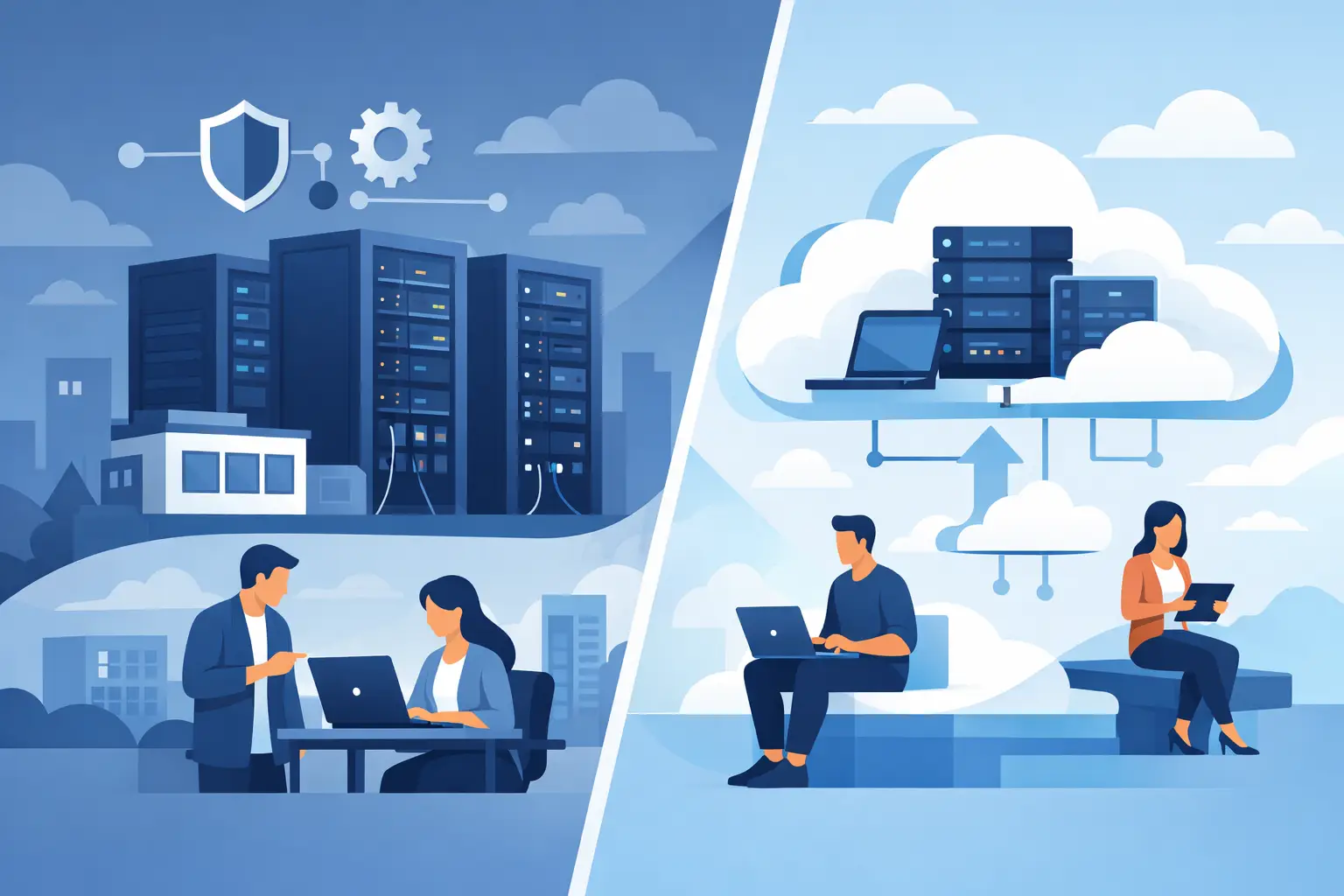
A server closet can tell you a lot about a business. If it is packed with aging hardware, backup drives, and a cooling unit working overtime, you are looking at one version of control. If most systems now live offsite in a managed cloud platform, you are looking at another. The on premise vs cloud decision is not just about where technology sits. It affects uptime, security, budgeting, compliance, and how quickly your business can respond when demands change.
For many small and mid-sized organizations, this is not a theoretical IT debate. It is a practical business choice with real operational consequences. The right answer depends on how your company works, what risks you need to manage, and how much internal IT responsibility you want to carry.
On premise vs cloud: the basic difference
On-premise infrastructure means your servers, storage, networking, and often key business applications are hosted and managed at your own location or in a facility you directly control. You own the hardware, maintain the environment, handle updates, and plan for replacement cycles.
Cloud infrastructure shifts those workloads to a provider-hosted environment. Instead of buying and housing everything yourself, you access computing resources, applications, and storage over the internet. Depending on the setup, you may still manage parts of the environment, but the physical hardware and much of the underlying platform are handled externally.
That sounds simple enough, but the business impact is where the distinction matters. On-premise gives you direct control. Cloud gives you flexibility and offloads more infrastructure management. Neither model is automatically better. Each creates different advantages, costs, and responsibilities.
Where on-premise still makes sense
On-premise is often the right fit for businesses that need a high degree of control over systems, data, or specialized applications. If you operate legacy software that was never designed for modern cloud environments, moving too quickly can create disruption rather than progress.
Some organizations also prefer on-premise because it gives them tighter command over hardware, network configuration, and internal access. In industries with strict compliance requirements or highly sensitive operational data, that control can be meaningful. It may also be necessary for environments where low-latency local performance is critical, such as manufacturing floors, certain healthcare systems, or facilities with heavy file processing.
There is also a budgeting angle. Some leaders prefer capital investments over recurring service fees. Buying infrastructure outright can feel more predictable if you plan to use it for years and have the in-house staff to maintain it properly.
The trade-off is that on-premise control comes with on-premise responsibility. Your team is accountable for patching, monitoring, backups, disaster recovery, physical security, power protection, hardware failures, and replacement planning. If a server fails at the wrong time, the burden does not shift to someone else.
Why cloud adoption keeps growing
Cloud has gained traction because it addresses real business pressures. Growth happens faster than expected. Remote work becomes permanent. Security requirements increase. An application needs more computing power next quarter than it does today. In those moments, cloud services can offer a more adaptable operating model.
Instead of purchasing infrastructure based on peak demand years in advance, businesses can scale resources as needs change. That usually means less delay, less hardware sprawl, and fewer surprises tied to aging equipment. Cloud can also improve resilience when it is designed correctly, especially for backup, business continuity, and distributed access.
For organizations with lean internal IT teams, cloud can reduce the burden of day-to-day infrastructure upkeep. That does not eliminate management responsibilities, but it can shift focus away from maintaining physical systems and toward performance, security policy, user support, and strategic planning.
Cloud also supports modern work patterns. Employees in multiple offices, remote users, and field teams often need reliable access without depending on a single physical location. A well-managed cloud environment can make that easier while improving standardization across the business.
Cost is not as simple as it looks
One of the most common mistakes in the on premise vs cloud conversation is reducing the decision to a line-item price comparison. Upfront, on-premise often looks expensive because you are buying servers, storage, licensing, backup systems, and networking equipment. Cloud may look lighter because costs are spread out over time as operating expenses.
But total cost of ownership goes deeper than that.
With on-premise, you need to account for hardware refresh cycles, warranties, utilities, cooling, physical security, downtime risk, backup infrastructure, staff time, and emergency replacement costs. A server that seems fully paid for can still be expensive if it causes outages or consumes hours of support every month.
With cloud, recurring fees can rise if environments are not monitored carefully. Consumption-based pricing can be efficient, but it can also drift upward when resources are oversized, poorly governed, or left running unnecessarily. Licensing complexity can add another layer if your business uses multiple providers or hybrid applications.
A sound cost analysis should measure more than sticker price. It should consider operational efficiency, risk exposure, growth plans, and how much internal capacity your team realistically has.
Security depends on execution, not just location
Some business leaders assume on-premise is more secure because the infrastructure is physically in their building. Others assume cloud is more secure because major providers invest heavily in security controls. Both views miss the real issue.
Security depends on how the environment is designed, monitored, and maintained.
An on-premise environment can be highly secure if it is properly segmented, patched, backed up, and physically protected. It can also be vulnerable if updates are delayed, access controls are weak, or backup systems are outdated.
Cloud platforms can provide strong security capabilities, including identity controls, logging, redundancy, and advanced monitoring. But cloud does not secure itself. Misconfigurations, weak passwords, poor permission management, and inadequate oversight can create major exposure.
For many businesses, the practical question is not which model is theoretically safer. It is which model your organization can support consistently and correctly. Security is strongest when ownership is clear, monitoring is active, and response plans are tested.
Performance, downtime, and recovery
Performance expectations should also shape the decision. If users rely on large local files, specialized line-of-business systems, or latency-sensitive applications, on-premise infrastructure may still provide an advantage in specific workflows.
At the same time, cloud can improve overall continuity when geographic redundancy and backup planning are priorities. If a local office loses power, experiences hardware failure, or faces a physical event, cloud-hosted systems may be easier to recover without waiting on replacement equipment.
That said, cloud performance depends heavily on internet reliability and network design. If your connectivity is unstable, moving critical workloads to the cloud without strengthening network resilience can create new problems. Business continuity is never just a hosting decision. It is an infrastructure decision.
A hybrid model is often the right answer
For many organizations, the best answer is not fully on-premise or fully cloud. It is a hybrid environment built around business priorities.
You might keep a specialized application or local file system on-premise while shifting email, collaboration, backups, and disaster recovery to the cloud. You might move core workloads gradually rather than all at once. You might also use cloud services to supplement on-premise systems that are still operational but no longer ideal as the sole foundation of the business.
This approach gives companies room to modernize without forcing an all-or-nothing change. It also helps reduce risk during transition periods. The key is making sure the environment is planned as one strategy rather than a patchwork of separate tools and vendors.
How to choose with confidence
A strong decision starts with business requirements, not technology trends. Ask what systems are mission-critical, what downtime would cost, what compliance obligations apply, and how fast your organization needs to scale. Then look at the reality of your current support structure. If your internal team is already stretched thin, adding more infrastructure ownership may not be the efficient path.
It also helps to evaluate application readiness. Some systems move easily to the cloud. Others require redesign, replacement, or a longer transition plan. Rushing that assessment can create more disruption than value.
This is where an experienced IT partner can make the difference between a clean strategy and an expensive workaround. Plasma Networks works with businesses that need to weigh performance, security, continuity, and support capacity before making infrastructure decisions that affect the entire organization.
The best environment is the one your business can run securely, support reliably, and grow without constant friction. If your technology model is helping your team stay productive, recover quickly, and adapt without disruption, you are not chasing trends. You are building a stronger operation.


