
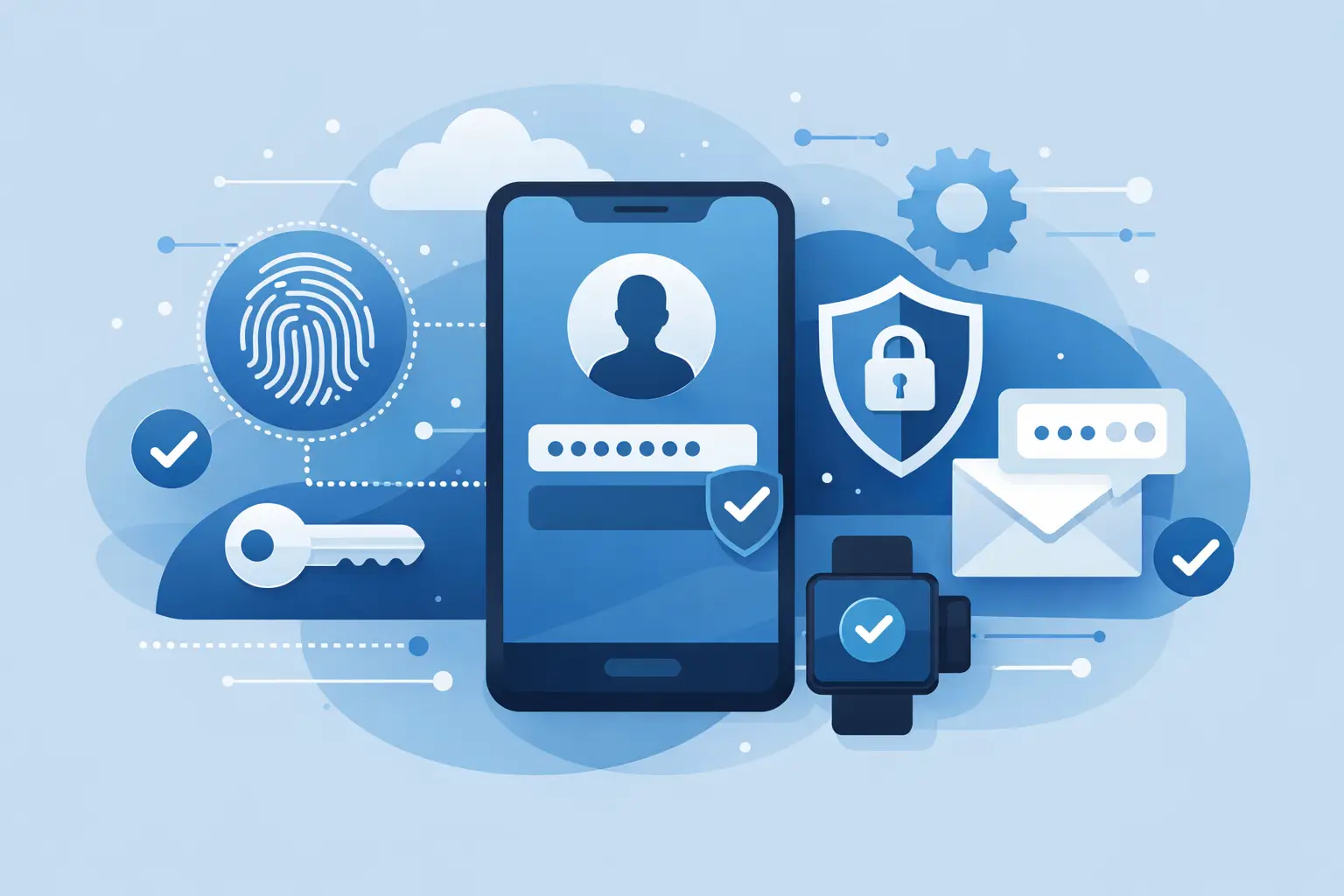
A single stolen password can give an attacker a direct path into email, financial systems, cloud files, customer records, and internal applications. That is why is multi factor authentication important is not just a cybersecurity question. For business leaders, it is a business continuity question.
Passwords remain necessary, but they are no longer enough on their own. Employees reuse them, phishing messages trick users into entering them, and old credentials can surface in data breaches long after an account was created. Multi factor authentication, commonly called MFA, places another verification step between a criminal and the systems your business depends on.
Why Is Multi Factor Authentication Important for Business Security?
MFA requires users to prove their identity with two or more factors. Typically, this means something they know, such as a password, combined with something they have, such as an authenticator app or security key. In some cases, it may also use something they are, such as a fingerprint or facial recognition.
The practical value is straightforward: a compromised password does not automatically become a compromised account. If an employee enters credentials on a convincing fake Microsoft 365 sign-in page, an attacker may have the password, but they should still be blocked from access without the second factor.
This protection matters because identity-based attacks are common, efficient, and difficult to detect early. A criminal does not need to break through a firewall if they can sign in as a legitimate user. Once inside, they may search mailboxes for payment instructions, download sensitive files, create forwarding rules, reset other passwords, or launch ransomware from a trusted account.
MFA reduces that opportunity. It does not eliminate every risk, but it turns a simple stolen-password event into a much harder attack to complete.
Passwords Are a Frequent Point of Failure
Businesses invest in firewalls, endpoint protection, backups, and secure network design for good reasons. Yet many incidents begin with an employee account. A password may be exposed through phishing, password reuse, malware, a breached third-party service, or a shared account that was never properly retired.
The challenge is not that employees are careless. They are busy. They receive a high volume of messages, work across cloud applications, use mobile devices, and often need fast access to complete customer-facing work. Attackers build their campaigns around that reality, using urgent invoices, document-sharing notices, HR requests, and executive impersonation to create pressure.
A strong password policy helps, but complexity alone cannot stop a user from entering a password into a fraudulent website. MFA creates an additional decision point and a separate barrier that an attacker must overcome.
For organizations with remote or hybrid teams, this is especially important. The traditional network perimeter has expanded beyond the office. Employees access business systems from home networks, client locations, mobile devices, and cloud platforms. Identity has become one of the most critical security boundaries your company manages.
MFA Protects More Than Email
Email is usually the first priority because it contains sensitive communications and often serves as the recovery method for other accounts. However, MFA should extend to every system that could materially affect operations, finances, customer data, or administrative control.
That commonly includes cloud productivity suites, remote access tools, VPNs, accounting platforms, customer relationship management systems, file-sharing applications, payroll portals, administrator accounts, and line-of-business applications. Privileged accounts deserve particular attention because one administrative login can affect many users, systems, and security settings.
A thoughtful rollout does not treat every account the same way. It prioritizes the applications with the greatest risk and impact, then builds coverage across the environment. This approach helps businesses improve protection without disrupting critical workflows.
MFA Helps Limit Financial and Operational Damage
Business email compromise is a major concern for organizations of every size. An attacker who gains access to an executive, finance, or vendor-management mailbox can study conversations and impersonate trusted employees. They may send altered payment instructions, request gift cards, redirect invoices, or pressure staff to process fraudulent transfers.
MFA is not a replacement for payment verification procedures, employee awareness training, or email security controls. It is one layer in a broader defense strategy. But it can prevent the attacker from gaining the mailbox access needed to make an impersonation scheme convincing.
The same is true for ransomware. If a threat actor uses stolen credentials to access a remote system or cloud tenant, MFA can interrupt the intrusion before they move deeper into the environment. When paired with endpoint protection, network segmentation, monitored backups, and incident response planning, it helps reduce the odds that a credential theft becomes a major outage.
The business benefit is not merely technical. Fewer successful account takeovers mean less downtime, fewer emergency remediation costs, reduced exposure of client data, and less pressure on employees during an incident.
Compliance and Customer Expectations Raise the Stakes
Many businesses face contractual, regulatory, or insurance requirements related to access controls. Depending on your industry, customers and auditors may expect evidence that privileged access is protected, remote access is controlled, and sensitive systems require more than a password.
MFA can support these requirements, but implementation details matter. A policy that says MFA is required is not enough if legacy accounts, service accounts, administrative portals, or exceptions remain unprotected. Organizations need visibility into who has access, which applications require MFA, how enrollment is enforced, and how access is removed when an employee leaves.
Cyber insurance questionnaires increasingly focus on identity security as well. Insurers may ask whether MFA is enabled for remote access, email, administrative accounts, and financial systems. A gap in coverage can affect eligibility, premiums, or claim outcomes after an incident.
For client-facing businesses, MFA also reinforces trust. Customers want to know their information is handled responsibly. Demonstrating disciplined access controls signals that security is part of how your company operates, not an afterthought after a breach.
The Best MFA Method Depends on Risk and Workflow
Not all MFA methods provide the same level of security or user experience. Text-message codes are better than passwords alone, but they can be vulnerable to SIM-swapping and certain social-engineering attacks. Authenticator apps generally provide stronger protection and are widely accessible for employees. Hardware security keys offer a higher level of phishing resistance and can be an excellent choice for executives, IT administrators, finance personnel, and other high-risk users.
Push notifications are convenient, but they require the right safeguards. Attackers sometimes send repeated approval prompts hoping a distracted user will accept one. Number matching, location details, and user education can reduce this risk. Employees should know never to approve an unexpected sign-in request, even if it appears to come from a familiar application.
The right approach depends on your workforce, applications, budget, and risk profile. A small office with standard cloud tools may begin with authenticator apps and conditional access policies. A company with regulated data, distributed locations, or high-value financial workflows may need stronger controls, including security keys, device compliance requirements, and tighter administrative access policies.
MFA Must Be Implemented and Managed Correctly
Turning on MFA is not a set-it-and-forget-it project. Poor planning can create lockouts, workarounds, and frustration that lead employees to resist the control. Effective deployment starts with a clear inventory of users, applications, privileged accounts, and access paths.
Businesses should establish secure enrollment procedures, especially for new hires and employees who replace phones. Recovery methods need careful attention. If a help desk can reset MFA based on easily found personal details, an attacker may simply target the recovery process instead. Identity verification for resets should be documented and consistently enforced.
It is also wise to prepare for legitimate access issues. Employees may lose devices, travel internationally, or work where mobile service is unreliable. Backup authentication methods and emergency access accounts can help maintain continuity, but they must be tightly controlled, monitored, and reviewed.
Monitoring is equally important. Repeated failed MFA requests, unfamiliar sign-in locations, unexpected enrollment changes, and unusual administrative activity can indicate an attempted account takeover. Security tools and managed IT teams can help turn those signals into timely action.
Build MFA Into a Broader Access Strategy
MFA works best alongside other identity controls. Strong password management, least-privilege access, prompt offboarding, endpoint security, employee training, and regular access reviews all reduce exposure. Conditional access policies can add another layer by requiring stricter verification when a sign-in comes from an unmanaged device, a new location, or an unusual pattern.
For growing organizations, the goal is not to create unnecessary friction. It is to apply the right protection to the right systems while keeping employees productive. A consultative IT partner can help map access risks, configure policies, support users through adoption, and monitor the environment after deployment.
At Plasma Networks, security planning is approached as part of reliable business operations, not as a standalone checkbox. MFA is one of the most practical controls a company can put in place because it protects the identities that connect people to every other critical system.
The next time an employee receives a convincing phishing message, the extra few seconds required to verify a sign-in could be the difference between a failed attempt and a disruptive business incident.


