
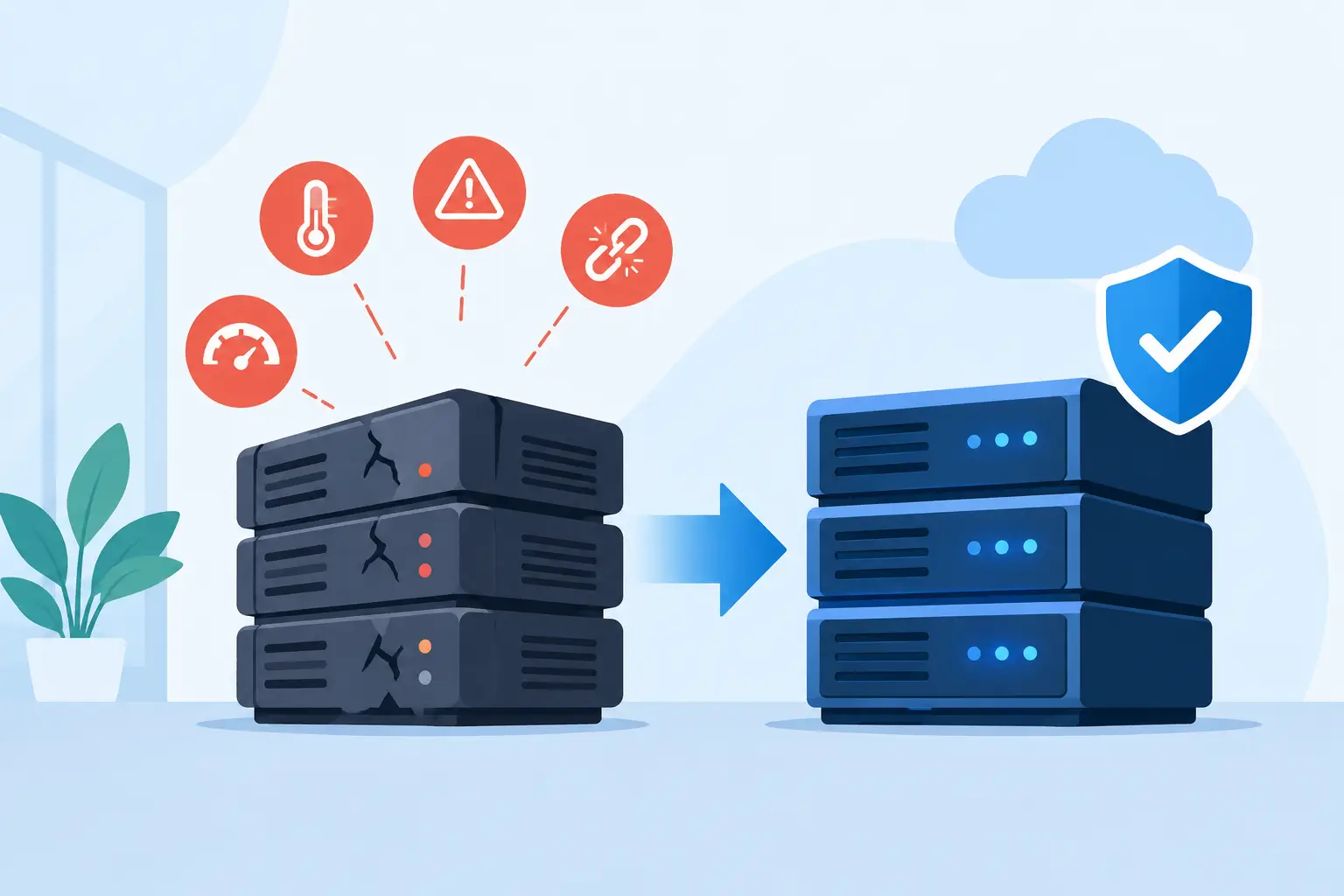
A server rarely fails at a convenient time. It goes down during payroll processing, a customer deadline, a busy sales day, or while your team is trying to recover a critical file. The top server replacement signs usually appear well before a complete outage, but they are often dismissed as isolated technical problems. For business leaders, recognizing those warning signs early creates time to make a controlled, budget-aware decision instead of responding to an emergency.
A replacement is not always the answer. Some performance issues come from inadequate storage, poor network design, aging workstations, or applications that need attention. But when the server itself has become a risk to uptime, security, and growth, extending its life can cost more than replacing it.
1. Your Server Is Nearing or Past Its Expected Lifecycle
Most business servers are designed for a productive lifecycle of roughly five to seven years. The exact timeline depends on workload, environmental conditions, maintenance quality, and the demands placed on the hardware. A lightly used file server may remain viable longer than a server running line-of-business applications, databases, virtual machines, and backup processes around the clock.
Age alone does not mean a server must be retired immediately. It does mean the organization should assess its role, warranty coverage, component condition, and recovery options. As equipment ages, replacement parts become harder to source, firmware support may decline, and a single hardware failure can become a long outage.
If your server is out of warranty and performing a mission-critical function, the question is not simply whether it still turns on. The better question is whether your business can afford the time and risk involved if it does not turn on tomorrow.
2. Performance Problems Are Interrupting Work
Slow logins, delayed file access, frozen applications, and long report-generation times are often treated as routine frustrations. In reality, persistent performance issues can signal that a server no longer has the processing power, memory, storage speed, or capacity needed for current workloads.
Watch for patterns rather than one-off complaints. If employees regularly experience delays at the same time each day, the server may be struggling with scheduled backups, database activity, synchronization tasks, or high user demand. If virtual machines compete for limited resources, performance can degrade across several business systems at once.
A technical assessment should identify whether the bottleneck is the server, its storage, the network, or the application. In some cases, a memory or storage upgrade is a sensible short-term measure. In others, investing more in aging hardware only postpones a replacement that is already necessary.
3. Hardware Failures and Repairs Are Becoming Routine
A failed drive, a noisy fan, a power supply warning, or repeated overheating should not be ignored simply because the system returns to service. These events can be early indicators that other components are approaching failure as well.
One repair may be manageable. A series of repairs changes the calculation. Repeated service calls, expedited parts, temporary workarounds, and employee downtime create costs that do not always appear in the hardware budget. They show up in missed productivity, delayed customer service, and staff time spent managing avoidable disruptions.
The top server replacement signs become especially clear when your IT team is maintaining the server more than improving the environment around it. Technology should support operations, not become a recurring source of operational drag.
4. Your Operating System or Applications Are No Longer Supported
An unsupported operating system is a business risk, not merely an IT inconvenience. Once a software vendor ends security updates, newly discovered vulnerabilities may remain unpatched. That can expose business data, user credentials, and connected systems to unnecessary risk.
The same concern applies to server-dependent applications. Older accounting platforms, manufacturing systems, file-sharing tools, and database versions may have compatibility limits that prevent secure upgrades. This can place organizations in a difficult position: the server is old, the operating system is obsolete, and a critical application cannot move forward without planning.
This is where replacement planning should include more than a hardware quote. A proper project considers application compatibility, licensing, data migration, user access, backups, cybersecurity controls, and rollback procedures. For organizations with compliance obligations, documenting this process also helps demonstrate reasonable security practices.
5. Backup and Recovery Are Too Slow or Too Uncertain
A backup is only valuable if it can be restored within a timeframe your business can tolerate. If your current server takes days to recover, relies on aging tapes or drives, or has never been tested through a full restoration, it may not meet the needs of the business.
Server replacement is a natural time to strengthen business continuity. A modern environment can support better backup architecture, protected offsite copies, faster recovery options, and clearer recovery priorities for critical systems. Depending on the organization, that may include a physical server, cloud-based services, virtual infrastructure, or a hybrid design.
There is no universal answer because recovery needs vary. A company that can operate for a day without a file share has different requirements than one that cannot process orders, access customer records, or communicate with field teams during an outage. The right design starts with the business impact of downtime.
6. Storage Is Full or Growth Has Outpaced Capacity
When a server is consistently running low on storage, teams often begin deleting files, moving data to personal devices, or using unapproved cloud services. Those actions may relieve immediate pressure, but they create security, retention, and visibility problems.
Capacity constraints also affect performance. Databases need room to operate efficiently, backup jobs need enough available space, and virtual environments require capacity planning to avoid instability. If your business has added staff, locations, cameras, applications, or larger data sets since the server was installed, the original configuration may no longer fit the operation.
A replacement project should account for expected growth, not just current usage. Planning for reasonable expansion reduces the chance that a new server becomes constrained within a year or two.
7. Security Requirements Have Changed
Cybersecurity expectations have risen significantly, especially for businesses handling financial records, health information, customer data, or regulated information. Older servers may lack support for current encryption standards, multi-factor authentication integrations, modern endpoint protection, or secure remote-access practices.
Security also depends on visibility. If no one is actively monitoring server health, patch status, failed login attempts, backup success, and hardware alerts, issues can remain hidden until they become outages or incidents. Replacing an aging server offers an opportunity to establish stronger management, monitoring, access controls, and documentation.
The goal is not to buy technology for its own sake. It is to reduce the exposure created when critical infrastructure cannot meet the security standards your customers, insurers, and partners increasingly expect.
8. The Server No Longer Supports How Your Team Works
Business technology changes when the business changes. A server that worked well for a single office may be poorly suited for remote employees, multiple locations, cloud applications, video conferencing, IP phones, or integrated physical security systems.
For some organizations, the right move is a new on-premises server with updated virtualization and storage. For others, moving selected workloads to the cloud reduces maintenance and improves accessibility. Many businesses benefit from a hybrid approach that keeps certain applications or data local while using cloud services for collaboration, backups, and remote access.
The decision should be based on application requirements, connectivity, performance, compliance, monthly operating costs, and the level of internal IT support available. A replacement plan should improve the way people work, not simply recreate an outdated setup on newer hardware.
How to Plan a Server Replacement Without Creating New Risk
A server replacement should be treated as a business continuity project. Start by documenting what the existing server does, who depends on it, which applications it hosts, and what data it stores. Then establish priorities: what must be restored first, how much downtime is acceptable, and which security controls are required from day one.
Before making a final decision, confirm compatibility with every critical application and peripheral system. That includes line-of-business software, printers, scanners, backup tools, network equipment, phone systems, and any devices that rely on server-based services. A clear migration plan should include verified backups, a maintenance window, testing, user communication, and a defined fallback path.
The strongest replacement projects also look beyond the server itself. Network capacity, power protection, internet redundancy, endpoint security, and ongoing monitoring all influence whether the new environment delivers the reliability your organization expects.
Waiting for a failure removes choices. Acting on early warning signs gives your business the opportunity to protect data, limit disruption, and invest in an environment built for the next stage of growth. A qualified technology partner can help turn that decision into a practical plan with clear costs, timelines, and accountability.


