A cloud move usually starts with a simple goal – lower costs, better flexibility, less hardware to manage. Then the real questions show up. Which systems move first? What breaks if an application depends on an on-prem server no one documented? How do you protect uptime while changing the foundation your business runs on?
That is why a cloud migration checklist for business matters. A successful migration is not just a technical project. It is an operations, security, compliance, and continuity project that affects users, vendors, customers, and leadership. If you treat it like a lift-and-shift exercise, you can end up trading one set of problems for another.
Why a cloud migration checklist for business matters
Businesses rarely migrate to the cloud because they want more complexity. They do it because they need better resilience, easier scaling, stronger disaster recovery, or a more predictable support model. But cloud platforms do not automatically fix weak planning, outdated applications, or poor access controls.
A checklist creates structure before money is spent and systems are moved. It helps leadership understand priorities, gives IT teams a sequence to follow, and reduces the odds of downtime caused by missed dependencies. It also forces a practical conversation about what should move, what should stay, and what should be replaced entirely.
For many small and mid-sized organizations, that distinction matters. Some environments benefit from a full migration. Others need a hybrid model because of latency, compliance, legacy software, or specialized equipment in the office or plant floor. The right answer depends on business needs, not just industry trends.
Start with business objectives, not servers
Before anyone prices storage or selects a platform, define the outcome. Are you trying to improve remote access, reduce infrastructure costs, strengthen backup and recovery, support growth, or replace aging equipment before it fails? Each goal changes the migration plan.
If uptime is the top priority, your checklist should focus heavily on redundancy, testing, and rollback planning. If compliance is driving the move, then data handling, access policies, and audit readiness come first. If cost reduction is the goal, it is worth being honest early: some cloud environments cost more than expected when unused resources, poor architecture, or unnecessary licensing are left unchecked.
This is also the point where leadership should set acceptable risk levels, target timeline, budget parameters, and internal ownership. Cloud projects stall when no one is empowered to make decisions.
Inventory what you have before you move anything
A migration plan is only as good as the visibility behind it. Many businesses know their major systems but not the smaller pieces holding them together. You need a clear inventory of applications, servers, storage, user groups, integrations, licenses, and network dependencies.
That inventory should answer practical questions. Which systems are business-critical? Which applications rely on local databases or shared drives? Which departments can tolerate brief downtime, and which cannot? Are there unsupported operating systems or end-of-life applications that should not be moved as-is?
This stage often reveals a hard truth: not every workload deserves a place in the cloud. Some legacy applications are better retired or replaced than migrated. Moving a problem to a new environment does not make it less of a problem.
Evaluate security and compliance early
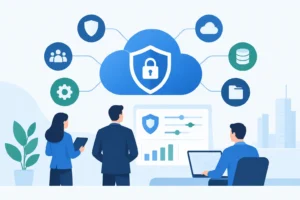
Security cannot be a final step on the checklist. It needs to shape the architecture from the beginning. When businesses migrate quickly without reviewing identity management, endpoint security, backup policies, and access permissions, they create exposure in a new place instead of reducing it.
Review how users will authenticate, how privileged access will be controlled, and how data will be encrypted in transit and at rest. Confirm whether logging, alerting, and monitoring will be built into the new environment. Just as important, decide who is responsible for ongoing security tasks after cutover.
Compliance requirements should be mapped before migration starts, not after. If your business handles regulated data, the cloud environment must align with retention rules, reporting expectations, and access standards. This is where many organizations realize they need more than a hosting destination. They need governance.
Choose the right migration approach
There is no single best way to migrate. Some businesses benefit from a lift-and-shift approach for speed. Others need reconfiguration, modernization, or phased replacement. The right choice depends on the age of the application, its business value, and how much disruption you can tolerate.
A quick lift-and-shift may reduce immediate infrastructure pressure, but it can also carry forward inefficiencies. A redesign may produce better long-term performance and security, but it takes more planning and testing. If your team is lean and your systems are critical, a phased approach is often safer than moving everything at once.
This is also the time to decide the migration sequence. Most businesses should avoid starting with their most fragile or most mission-critical application unless they have already validated the process on a lower-risk workload.
Build the cloud migration checklist for business around continuity
Every migration plan should include a continuity strategy. That means defining recovery points, rollback procedures, communication plans, and support coverage during the move. If a migration window fails, the business should know exactly how operations will continue.
Testing is part of continuity, not an optional extra. Test application performance, user access, integrations, printing, file permissions, remote connectivity, and backup recovery. A system that technically migrates but fails under day-to-day use is still a failed migration.
It also helps to schedule migrations around real business patterns. Month-end close, payroll processing, seasonal demand, and customer deadlines should shape the cutover plan. Technical teams sometimes focus on available maintenance windows without understanding operational risk. That is how avoidable disruptions happen.
Key areas your checklist should cover
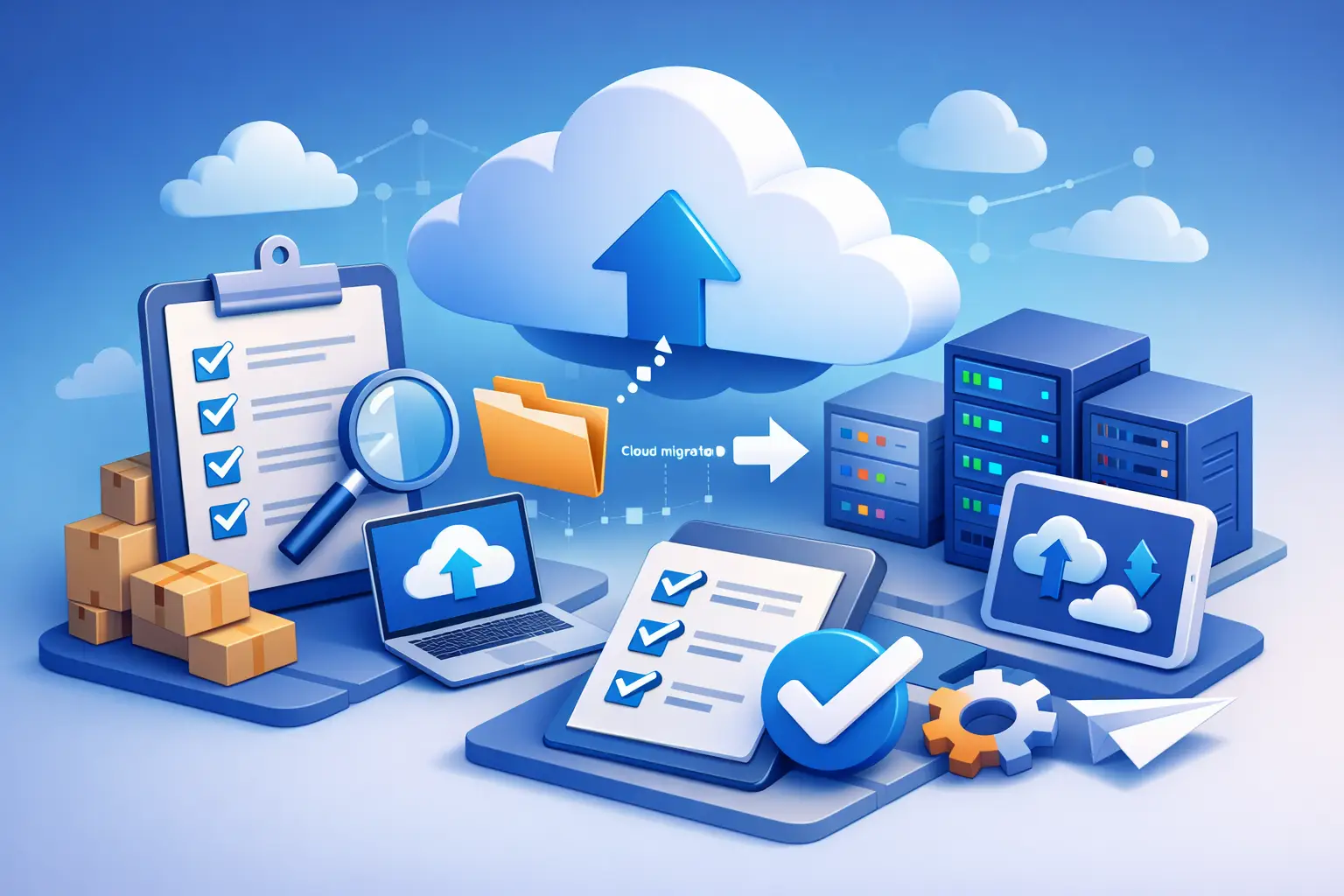
A practical checklist should account for infrastructure readiness, security controls, licensing, application dependencies, data migration methods, user impact, support responsibilities, testing steps, and rollback planning. It should also document who approves each phase, because ambiguity slows response time when issues appear.
For businesses with multiple locations, remote employees, or specialized connectivity needs, network readiness deserves extra attention. Bandwidth, VPN performance, internet redundancy, and voice service dependencies can all affect cloud performance more than expected.
Don’t overlook user readiness
Many cloud projects succeed technically and still frustrate employees. Changes to login methods, file access, application behavior, or collaboration tools can create confusion if users are not informed in advance.
Your checklist should include communication, training, and support planning. Users need to know what is changing, when it is changing, what they need to do, and where to get help. That is not just a service issue. It protects productivity.
Control costs after the move, not just before it
Cloud pricing can look straightforward during planning and become complicated after deployment. Storage growth, duplicate backups, underused virtual machines, premium licensing, and poor resource allocation all raise monthly costs.
A smart checklist includes post-migration cost governance. Set standards for provisioning, monitor usage, remove orphaned resources, and review licensing regularly. If nobody owns optimization, costs tend to drift upward.
This is one reason many organizations prefer a strategic IT partner instead of treating migration as a one-time project. The move itself matters, but so does the environment you are left managing six months later.
Assign ownership for the environment you are creating
Cloud migration is often framed as a destination. In practice, it is the start of a new operating model. Someone needs to own patching, performance monitoring, backup verification, user access reviews, incident response, and lifecycle planning.
If that ownership is split across too many vendors, accountability gets blurry fast. When an outage affects connectivity, authentication, or application performance, businesses need a clear path to resolution. That is where a single accountable technology partner can make a measurable difference, especially for organizations that do not have large in-house IT teams.
For companies working through a cloud migration checklist for business, the goal should not be to move fast for the sake of speed. It should be to move with control, protect what matters most, and build an environment that supports the way the business actually operates. If the plan does that, the cloud becomes an asset instead of another source of risk.
The best migrations are rarely the loudest. They are the ones your team barely notices because the planning was disciplined, the execution was precise, and the business stayed productive the whole time.