
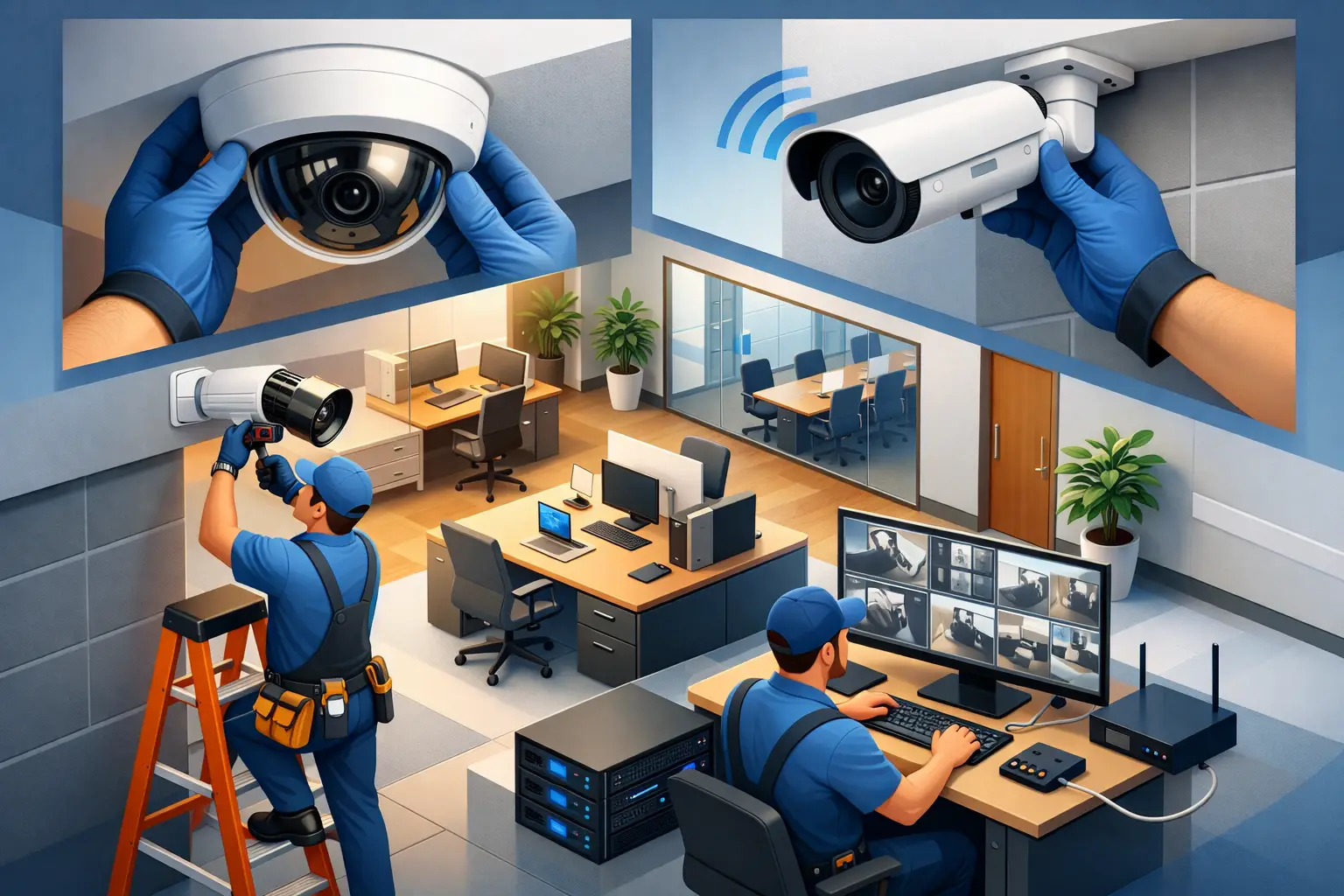
A camera pointed at the front door is easy. Building an office security camera system installation that actually helps your business is where the real work starts. The difference shows up later – when footage is clear enough to answer a question, access points are fully covered, the network holds up, and your team is not dealing with blind spots, false confidence, or constant troubleshooting.
For most businesses, camera installation is not just a facilities project. It touches physical security, network capacity, data retention, compliance, and day-to-day operations. If those pieces are handled separately, the result is usually fragmented coverage and a system that costs more to manage than expected.
What office security camera system installation should accomplish
A well-planned system should do more than record video. It should help deter theft, document incidents, support investigations, and give leadership better visibility into how spaces are being used. In some environments, it also supports safety procedures, after-hours monitoring, and vendor or visitor accountability.
That does not mean every office needs cameras in every corner. Overbuilding creates its own problems, including unnecessary cost, excess footage to manage, and employee concerns if placement feels intrusive. Good design starts with business risk, not hardware quantity.
A small professional office may only need reliable coverage at entrances, reception, parking access, and shared interior corridors. A larger operation with inventory, multiple exits, public traffic, or restricted areas will usually need a more layered approach. The right installation reflects how the office actually operates.
Start with risk, layout, and policy
Before choosing camera models, it helps to answer a few practical questions. Where do people enter and exit? Which areas handle sensitive assets, records, or equipment? When do incidents usually happen – during business hours, after hours, or at loading and delivery points? How long does your business need to retain footage, and who should be allowed to access it?
These questions shape the entire project. They determine field of view, camera count, storage requirements, and whether remote access is a convenience or a necessity. They also reveal trade-offs. For example, wide-angle coverage may reduce the number of cameras you need, but it can also sacrifice detail. A camera that shows the whole lobby may not capture faces clearly enough for identification.
Policy matters just as much as placement. A business should know in advance who owns the system, who reviews footage, what gets retained, and how privacy expectations are handled. That is especially important in offices where HR, finance, healthcare, or legal workflows are involved.
Key decisions in office security camera system installation
The most effective office security camera system installation usually comes down to a handful of design choices made early and made correctly.
Camera placement matters more than camera count
More cameras do not automatically mean better coverage. The goal is to eliminate critical blind spots and capture usable footage where it matters most. Entrances and exits are obvious priorities, but interior choke points, stairwells, reception areas, server rooms, storage areas, and parking lot access often deserve equal attention.
Height, angle, lighting, and line of sight all affect performance. A poorly placed high-resolution camera can still miss the detail you need if it is aimed into glare, mounted too high, or trying to cover too much ground. During planning, it is worth thinking through the actual event you may need to review later. Can the camera identify a face, read a badge, or show what was carried in or out?
Network impact cannot be an afterthought
Many camera problems are really network problems. IP-based systems depend on stable connectivity, proper bandwidth allocation, switch capacity, and secure remote access. If cameras are added to an office network without planning for traffic, the result can be poor video quality, dropped feeds, or performance issues elsewhere in the business.
This is where a unified technology approach makes a difference. Physical security and IT infrastructure should not be treated as separate conversations. Camera traffic, VLAN design, power over Ethernet capacity, storage architecture, and cybersecurity controls all need to work together.
Storage and retention should match the business need
Businesses often underestimate how much footage they will generate. Resolution, frame rate, recording schedules, analytics, and the number of cameras all affect storage demand. A simple office with motion-based recording may need far less capacity than a site that records continuously across multiple high-traffic areas.
Retention also depends on industry expectations and internal policy. Some businesses need footage for a short operational window. Others need a longer archive because of incident review, insurance considerations, or compliance. More retention is not always better if it creates unnecessary cost or data management burden.
Remote access should be secure and practical
Leadership teams often want to check cameras from home, while managers may need location-specific access on mobile devices. That can be useful, but convenience should not come at the expense of security. Weak passwords, open ports, and poorly managed user permissions create avoidable risk.
Access should be role-based, encrypted, and easy to audit. A business should know who can log in, what they can view, and whether footage can be exported without oversight.
Common mistakes that lead to weak results
The most common installation mistake is buying equipment before doing a site assessment. That often leads to mismatched hardware, dead zones, and coverage that looks acceptable on paper but fails in practice.
Another issue is focusing only on the camera image and ignoring the environment around it. Lighting changes, reflective glass, hallway depth, seasonal exterior conditions, and after-hours visibility all affect what the system captures. A camera that works perfectly at noon may be ineffective at 10 p.m.
There is also a tendency to separate camera installation from broader security planning. If access control, alarms, network security, and monitoring workflows are all handled by different vendors, accountability becomes murky. When something goes wrong, each provider can point elsewhere. Businesses usually get better outcomes when one partner can align the moving parts and take ownership of performance.
Why professional installation usually pays off
A professional installer is not just mounting devices and running cable. The real value is in design, testing, documentation, and long-term support. That includes verifying sight lines, configuring recording rules, hardening system access, validating network performance, and making sure authorized staff can use the platform without confusion.
This matters even more for growing organizations. A camera system should not need to be replaced simply because a business adds office space, opens another suite, or expands into a warehouse or mixed-use environment. Scalable design protects the investment and makes future additions more predictable.
For small and mid-sized businesses, this also reduces the burden on internal teams. Office managers and IT staff already have enough competing priorities. They should not have to troubleshoot camera firmware, storage limits, or remote access settings on top of everything else.
Office security camera system installation and compliance considerations
Not every business operates under the same requirements, but many have legitimate concerns around privacy, employee communication, visitor notice, and footage handling. That is why installation decisions should be reviewed through both operational and policy lenses.
Camera placement in private spaces is generally off limits, and even in common areas, transparency matters. Employees should understand the purpose of the system and how footage is used. For regulated industries, retention practices and access controls may need additional review.
A dependable provider will flag these issues early instead of treating them as paperwork after the installation is complete.
What to expect from a strong project
A solid project usually begins with a walkthrough and risk assessment, followed by a coverage plan tied to the office layout and business priorities. From there, the installation should include cable planning, network coordination, camera mounting, system configuration, testing, user setup, and final validation.
Just as important, the handoff should be clean. Your team should know how to view live feeds, pull footage, manage permissions, and request support. Documentation should not be an afterthought. If a system only makes sense to the installer, it is not finished.
For businesses that want one accountable partner across IT, cybersecurity, connectivity, and physical security, companies like Plasma Networks can bring that coordination into a single plan instead of forcing the client to manage separate vendors and disconnected systems.
The right camera system should make your office easier to protect, not harder to manage. If the installation is planned around your layout, network, risks, and future growth, it becomes a practical business asset – one that supports security, continuity, and better decision-making long after the cameras go live.


