
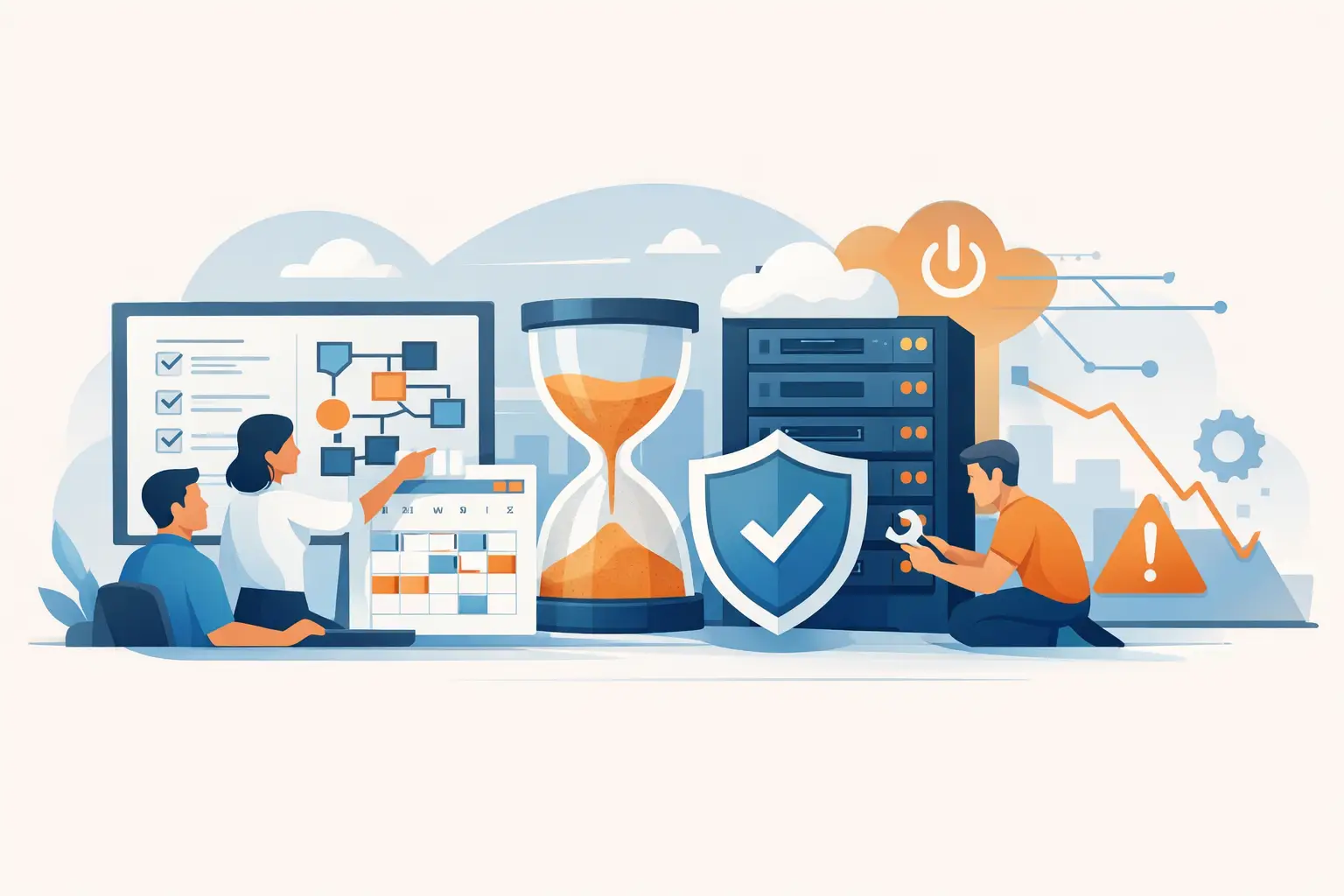
A server replacement gets approved in one meeting, hardware arrives two weeks later, and everyone assumes the hard part is over. Then the real issues show up – software dependencies were missed, internet redundancy was never addressed, users were not informed, and the cutover window collides with payroll processing. That is exactly why IT project planning matters. It is not paperwork for its own sake. It is the work that protects uptime, controls risk, and keeps business operations moving when technology changes.
For small and mid-sized businesses, poor planning usually does not fail in dramatic ways at first. It shows up as delays, surprise costs, avoidable downtime, and security gaps that no one intended to create. A project can look fine on a spreadsheet and still disrupt phone systems, remote access, compliance requirements, or day-to-day productivity if the planning stops at budget and installation dates.
What IT project planning should actually accomplish
At a practical level, IT project planning should answer a straightforward question: what has to happen, in what order, with which resources, so the business gets the result it expects without unnecessary disruption? That sounds simple, but most technology projects involve more moving parts than they first appear to.
A network upgrade affects wireless coverage, security policies, voice quality, device compatibility, and sometimes even physical layout. A cloud migration is not just about moving files or applications. It also affects permissions, backup strategy, compliance controls, internet performance, user training, and support responsibilities after go-live. Good planning connects those dots before the project starts.
That is the difference between a technical installation and a business-ready deployment. One focuses on whether the equipment or platform works. The other focuses on whether the organization can operate reliably, securely, and efficiently once the change is made.
Why IT project planning fails in growing businesses
In many organizations, projects are approved because the need is obvious. The firewall is outdated. The office is expanding. Remote workers need better access. A phone system has become unreliable. The urgency is real, but urgency often compresses planning into a quick vendor quote and a target date.
That approach creates blind spots. Internal teams may know the current environment well, but they are often stretched thin and focused on daily support. Leadership may understand the business priority but not every technical dependency. Vendors may know their own product line but not how it interacts with the rest of the environment. Without one accountable planning process, the project becomes fragmented before it begins.
Another common issue is assuming that past projects provide a complete blueprint. They help, but no two environments are identical. A multi-site rollout, a security upgrade, and a server refresh each carry different constraints. Even a familiar project can change once you factor in hybrid work, compliance expectations, legacy systems, or limited maintenance windows.
The core elements of a solid IT project planning process
The best plans start with business outcomes, not equipment lists. If the objective is to improve reliability, then the plan should define what reliability means in measurable terms. Is the goal less downtime, faster recovery, more capacity, stronger security, or support for a new location? If that is not clear early, the project can stay busy without becoming successful.
Scope comes next, and this is where precision matters. A project should define what is included, what is excluded, what assumptions are being made, and what decisions still need input. Scope protects the timeline and budget, but it also protects accountability. When scope is vague, responsibilities become vague too.
From there, a workable plan maps dependencies. That means identifying the systems, vendors, users, approvals, licenses, connectivity requirements, and physical or security considerations that could affect the outcome. This is where many avoidable setbacks are caught. If a new circuit has a lead time of 60 days, if a cloud migration depends on identity cleanup, or if a building access system needs after-hours installation, those constraints need to be visible before scheduling is finalized.
Risk planning is just as important as task planning. Every IT project has points of failure, but not every risk carries the same weight. A delayed hardware shipment is frustrating. A failed cutover that interrupts operations during peak business hours is far more serious. Strong planning ranks risks by business impact and builds responses around them. That may include backups, rollback procedures, redundant connectivity, temporary workarounds, or phased deployment.
Communication is another area that gets underestimated. Users do not need a technical briefing, but they do need clear expectations. Leadership needs milestone visibility. Department heads need to know when their teams will be affected. Support staff need escalation paths. Projects run more smoothly when communication is planned as carefully as installation work.
IT project planning and business continuity
For business leaders, one of the most important questions is not whether a project can be completed. It is whether it can be completed without interrupting revenue, service delivery, or customer trust.
That is where IT project planning becomes a business continuity function. If a system must be replaced, the plan should account for timing, failover, data protection, security controls, and recovery steps if something goes wrong. If multiple sites are involved, the planning should reflect local constraints instead of assuming every location can be treated the same way.
This is especially important for organizations that depend on stable connectivity, secure communications, access control, or cloud platforms to operate. A project that looks efficient from a technical standpoint may still create business risk if it ignores workflow realities. The best plans are shaped around how the business actually runs, not how the infrastructure diagram looks.
Budget control is really expectation control
Most businesses want projects delivered on time and on budget. Reasonable enough. But budget issues usually start before spending begins. They start when the project is approved with incomplete assumptions.
If software licensing was not fully reviewed, if cabling needs were underestimated, if after-hours labor was not considered, or if post-deployment support was never defined, the project budget was already unstable. Good planning does not guarantee zero changes, because real projects evolve. It does create a more accurate picture of what the business is actually committing to.
There is also a trade-off to manage between speed and certainty. A faster project timeline may be possible, but it can increase cost, compress testing, or reduce rollback options. A lower-cost option may work, but it might limit scalability or supportability later. Strong planning brings those trade-offs into the open so leaders can make decisions with context instead of surprises.
When outside expertise improves the plan
Not every company needs a large internal IT department to run successful projects. In fact, many growing organizations are better served by a partner that can evaluate the environment, coordinate vendors, identify dependencies, and keep the project aligned with business goals.
That matters most when projects touch several layers at once – infrastructure, cybersecurity, communications, cloud services, physical security, and user support. In those situations, the planning process needs both technical depth and operational perspective. A disconnected approach may get each piece installed, but it rarely produces the cleanest outcome.
A partner with project and managed service experience can also improve what happens after deployment. That is an overlooked part of planning. Go-live is not the finish line if monitoring, documentation, support ownership, and lifecycle management are still unclear. Plasma Networks often works with businesses that want one accountable team to think beyond installation and plan for long-term stability.
Signs your planning process needs work
If projects routinely run late, rely on last-minute fixes, or expose problems only during implementation, the issue is often planning discipline rather than technical capability. The same is true when no one can clearly explain project scope, ownership, or rollback procedures.
Another warning sign is when the project team focuses almost entirely on technology and barely discusses users, workflow, support, or business timing. A successful deployment is not just about whether the system powers on. It is about whether the organization can rely on it the next morning.
Well-run IT project planning creates that confidence. It gives leadership a clearer view of cost and risk, gives internal teams a more realistic path to execution, and gives the business a better chance of improving technology without sacrificing continuity along the way.
The best projects rarely feel dramatic from the outside. They feel controlled, well-timed, and uneventful – and for a business that depends on uptime, that is usually the right result.


