
A single failed physical server can stop accounting, file access, line-of-business applications, and customer service at the same time. For a growing business, that risk is not just an IT inconvenience. It can interrupt revenue, delay operations, and put customer trust under pressure. Server virtualization gives organizations a more flexible way to run critical workloads while reducing dependence on individual pieces of hardware.
The concept is straightforward: instead of dedicating one physical server to one application, a virtualization platform allows multiple virtual servers to run on shared physical hardware. Each virtual machine operates as its own server, with its own operating system, applications, storage allocation, and security controls. Done well, this approach improves efficiency without sacrificing the control businesses need for core systems.
What Server Virtualization Changes
Traditional server environments often grow one application at a time. A business buys a server for its accounting system, another for files, another for a database, and perhaps another for a specialized operational platform. Over time, the server room fills with aging equipment that is underused individually but costly to power, cool, maintain, and replace.
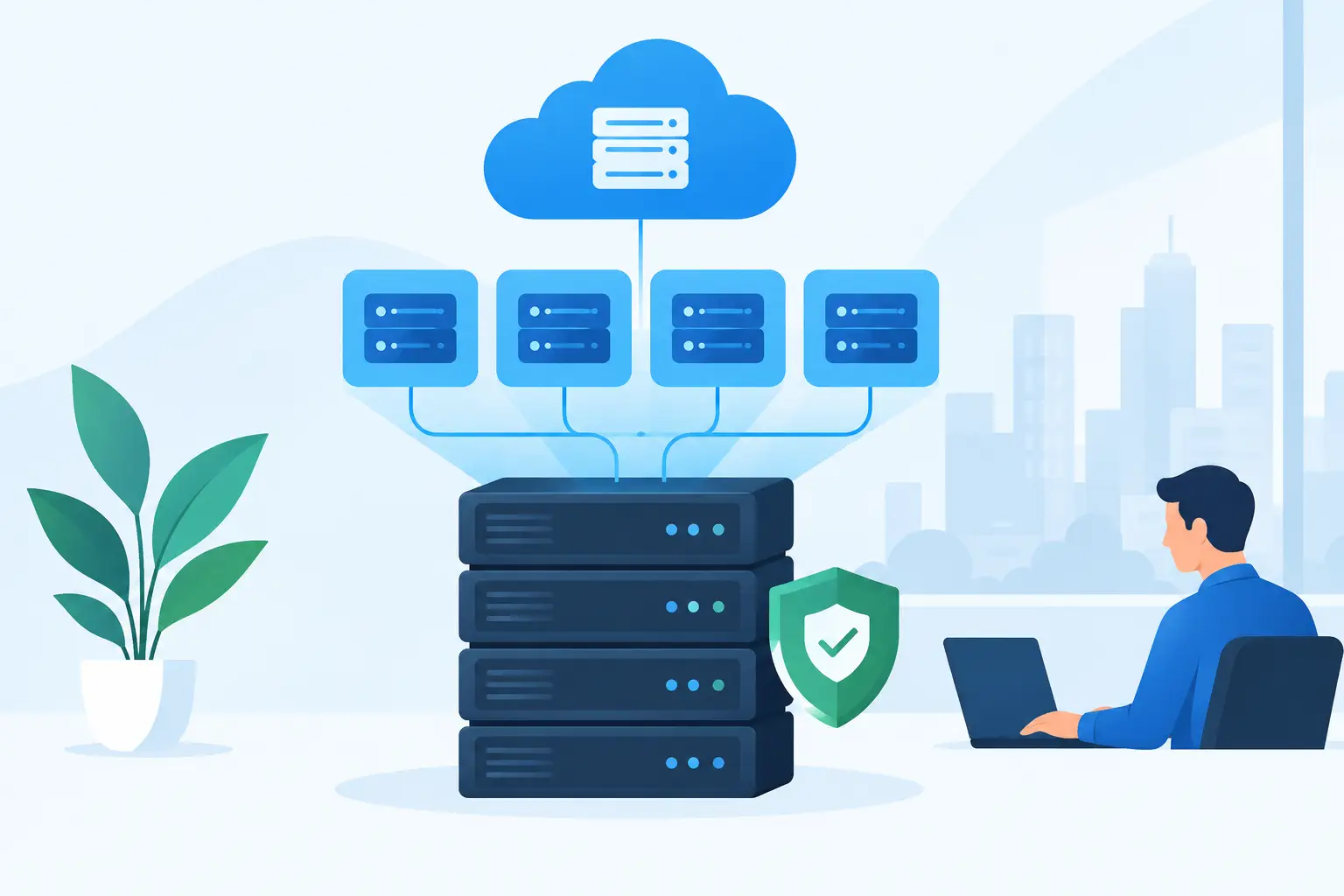
Server virtualization consolidates those workloads onto a smaller number of properly sized hosts. A hypervisor, the software layer that creates and manages virtual machines, assigns processing power, memory, networking, and storage to each workload. The business gains the ability to create, move, resize, restart, or restore virtual servers without treating every change as a physical hardware project.
This does not mean every workload should be combined carelessly. The value comes from intentional design. Critical applications still need sufficient resources, isolation, monitoring, backup protection, and a documented recovery plan. Virtualization is an infrastructure strategy, not a shortcut around sound IT operations.
Business Benefits of Server Virtualization
For small and mid-sized organizations, the immediate benefit is usually better use of capital. Rather than replacing several aging standalone servers, the company may be able to invest in a smaller, more capable virtual environment. That can reduce hardware sprawl and make future expansion less disruptive.
It also supports faster recovery. Because a virtual machine is software-defined, it can be backed up as a complete system image and restored to compatible infrastructure when necessary. If a physical host fails, a properly designed environment can restart affected workloads on another host or recover them from backups more quickly than rebuilding a physical server from scratch.
Operational flexibility matters as well. An IT team can provision a separate virtual machine for a new application, testing environment, or department requirement without waiting for a new server to arrive. When an application needs more memory or processing capacity, those resources can often be adjusted with far less interruption than a hardware replacement would require.
Virtualization can also make standardization easier. When servers are built from approved templates, businesses have more consistent configurations for operating systems, security tools, monitoring agents, and access controls. That consistency helps reduce configuration drift, which is a common source of support issues and security gaps.
Where the Real Trade-Offs Appear
Consolidation changes the nature of risk. When multiple virtual machines run on one host, that host becomes more important to the business. A poorly designed virtual environment can create a larger single point of failure than the collection of physical servers it replaced.
The answer is not to avoid virtualization. It is to design for the level of availability the business actually requires. A small office may accept a limited recovery window after a hardware failure. A manufacturer, healthcare provider, professional services firm, or organization with around-the-clock operations may need redundant hosts, redundant storage, backup connectivity, and tested failover procedures.
Performance planning is equally important. Virtual machines share underlying compute, memory, storage, and network resources. If the host is undersized or storage is slow, users may experience delays across multiple applications at once. A database server, file server, and remote desktop environment do not all behave the same way, so resource allocation should reflect actual workload demands rather than assumptions.
Licensing can be another variable. Operating systems, business applications, database platforms, and backup tools may have licensing terms tied to processors, cores, users, or virtual machines. The lowest-cost hardware design is not always the lowest-cost solution after software licensing, support, and recovery requirements are considered.
Building a Virtual Environment That Supports Uptime
A reliable design starts with an assessment of the systems that keep the organization running. That includes not only obvious servers but also dependencies: network services, identity management, storage, backups, internet connectivity, power protection, and the applications employees rely on during an outage.
Start With Workload Priorities
Not every server deserves the same recovery objective. A business should identify which systems must return first and how long operations can continue without each one. For example, a domain controller, core line-of-business application, and file access system may be higher priorities than an internal test server or archive environment.
This discussion turns technical decisions into business decisions. It clarifies whether the organization needs high availability within its office, offsite disaster recovery, cloud replication, or a combination of these measures. It also prevents spending heavily on redundancy for systems that do not require it while underprotecting the systems that do.
Size the Platform for Normal and Peak Demand
Host capacity should account for more than today’s average utilization. It needs room for peak workloads, business growth, maintenance windows, and the failure of a host if redundancy is part of the design. Storage performance deserves special attention because many virtualization slowdowns originate from insufficient input/output capacity rather than a lack of processor power.
Network design matters too. Virtual machines rely on the same network for user access, management traffic, storage communications, backups, and sometimes replication to another location. Segmentation, adequate switching capacity, and resilient connectivity protect performance and reduce the chance that a routine network issue affects every workload.
Treat Backup and Recovery as Separate Disciplines
High availability is not a backup strategy. Redundant hosts can protect against certain hardware failures, but they may also replicate accidental deletions, ransomware encryption, or application-level corruption. A business still needs protected backups, appropriate retention periods, and copies that are isolated from the primary environment.
Recovery testing is where confidence becomes measurable. Teams should periodically restore files, applications, and entire virtual machines, then document how long the process takes and what dependencies are required. A backup report that says “successful” is useful, but a tested restoration provides much stronger evidence that the business can recover.
Secure the Management Layer
A virtual environment has a powerful control plane. Administrative access to the hypervisor or virtualization manager can affect every hosted server, so it should be protected with strong credentials, multi-factor authentication where available, limited privileged access, patching, logging, and monitoring.
Virtual machines also require the same security discipline as physical servers. That means supported operating systems, timely updates, endpoint protection, network segmentation, least-privilege access, and continuous review of administrative accounts. Consolidation can simplify this work, but it does not eliminate it.
When Virtualization May Not Be the Best Fit
Virtualization is highly effective for many common business workloads, including file services, directory services, application servers, databases, remote desktop services, and development environments. Still, some situations call for a different approach.
A legacy application may require specific hardware, an older operating system, or vendor-approved architecture that limits virtualization options. Extremely high-performance workloads may need dedicated resources. Some organizations may also find that a cloud-based software platform removes the need to host a particular application internally at all.
The best answer often combines approaches. A business might virtualize its remaining on-premises workloads, use cloud services for email and collaboration, replicate critical servers offsite, and retain dedicated infrastructure only where a technical or compliance requirement justifies it. The goal is not to virtualize everything. The goal is to make each workload more dependable, secure, and manageable.
A Practical Path Forward
Before purchasing servers or selecting a hypervisor, document what is running today, who depends on it, how it performs, and what an outage would cost. Review the age and condition of current hardware, backup results, storage capacity, network readiness, licensing obligations, and future growth plans.
From there, an experienced technology partner can turn those findings into an architecture that matches business priorities. Plasma Networks helps organizations connect infrastructure, cybersecurity, connectivity, backup, and ongoing support into one accountable operating model. That matters because a virtual environment is only as reliable as the systems around it.
The right server strategy should give your team fewer urgent repairs to manage and a clearer path when the business changes. Start with the workloads your organization cannot afford to lose, then build the recovery, security, and capacity plan around them.


